29
Chapter 3: Commands and Programming
7. Repeat steps 5 and 6 as many times as necessary to send any other
matrix data that you want.
Matrix Data Example
The following describes a typical example procedure for sending commands
that set up the data analyzer for sampling of distance data with a distance
sensor.
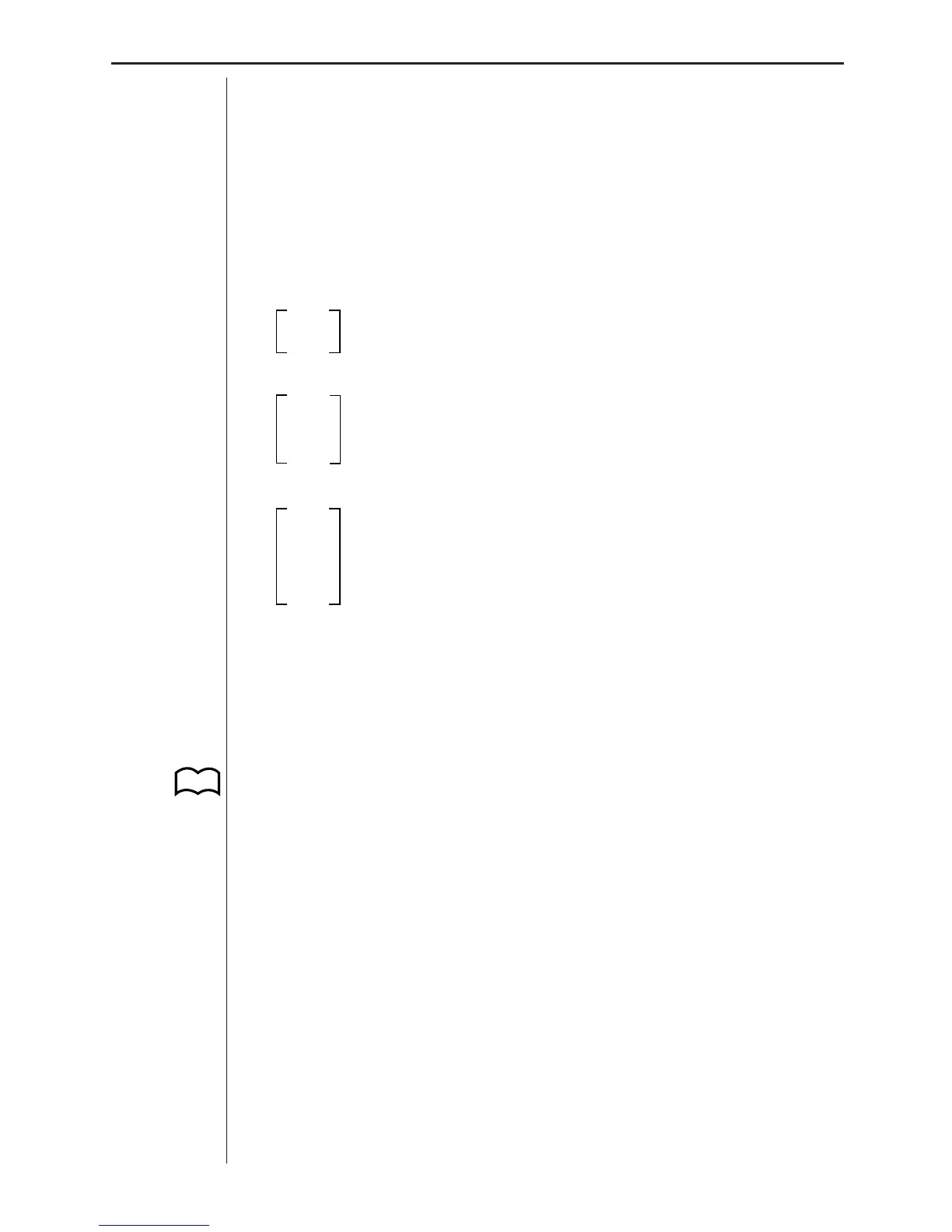
1. Input the following matrix data on the CFX-9800G.
1
Channel clear
0
1 Command 1
4 Channel: SONIC
2 Unit: meters
3 Command 3
0.5 Sampling duration: 0.5 second
20 Number of samples: 20
1 Absolute time recording: On
2. Now perform the steps under “To send matrix data from the CFX-9800G”
above to send the matrix to the data analyzer. Note that the final matrix
data sent to the data analyzer before the start of sampling must be Com-
mand 3 (SAMPLE AND TRIGGER SETUP).
3. Press the data analyzer’s [TRIGGER] key to start data sampling.
4. The DONE indicator appears on the display when data sampling is com-
plete. See “Transferring Data to the CFX-9800G” for details on transfer-
ring sampled data from the data analyzer to the CFX-9800G.
P.35













 To Next Page