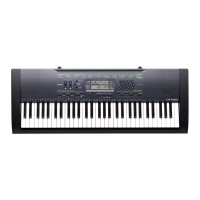
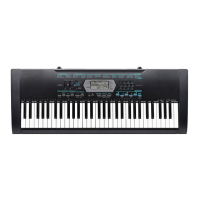
CTK-2200
– 15 –
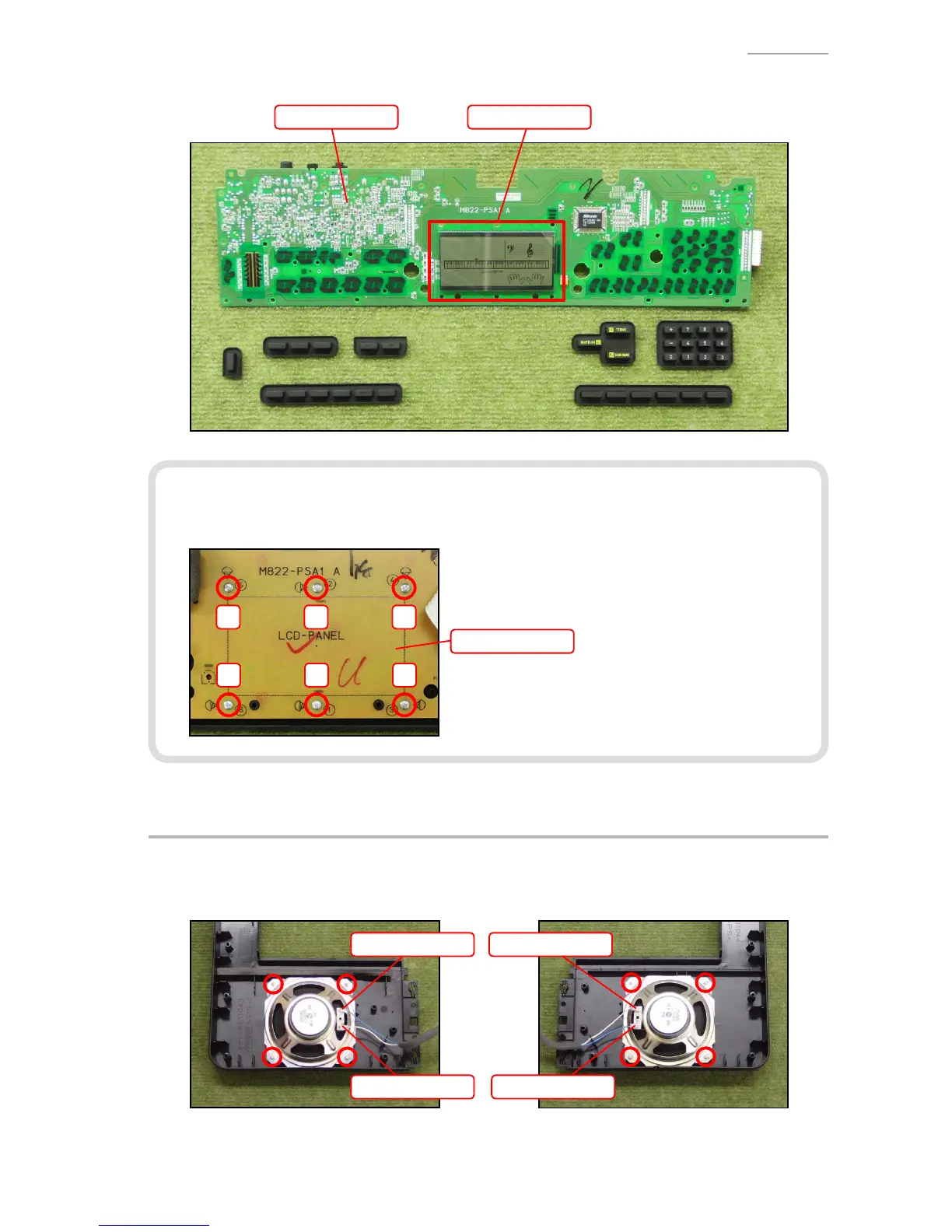
C-4. Remove the M822-PSA1 PCB, LCD components and rubber keys.
LCD componentsM822-PSA1 PCB
<Notes On Assembly>
• To install the M822-PSA1 PCB, tighten the screws for the LCD part in the order indicated with
the numbers below. If not tighten correctly, it may cause the LCD display errors.
6 1 3
5 2 4
M822-PSA1 PCB
D. REMOVE THE SPEAKER
D-1. Unsolder two lead wires.
D-2. Undo four screws and then remove the SPEAKER.
<Left speaker> <Right speaker>
Lead wire (White)
Lead wire (Blue)
Lead wire (Blue)
Lead wire (White)


 To Next Page