41
Recording Movie Images and Audio
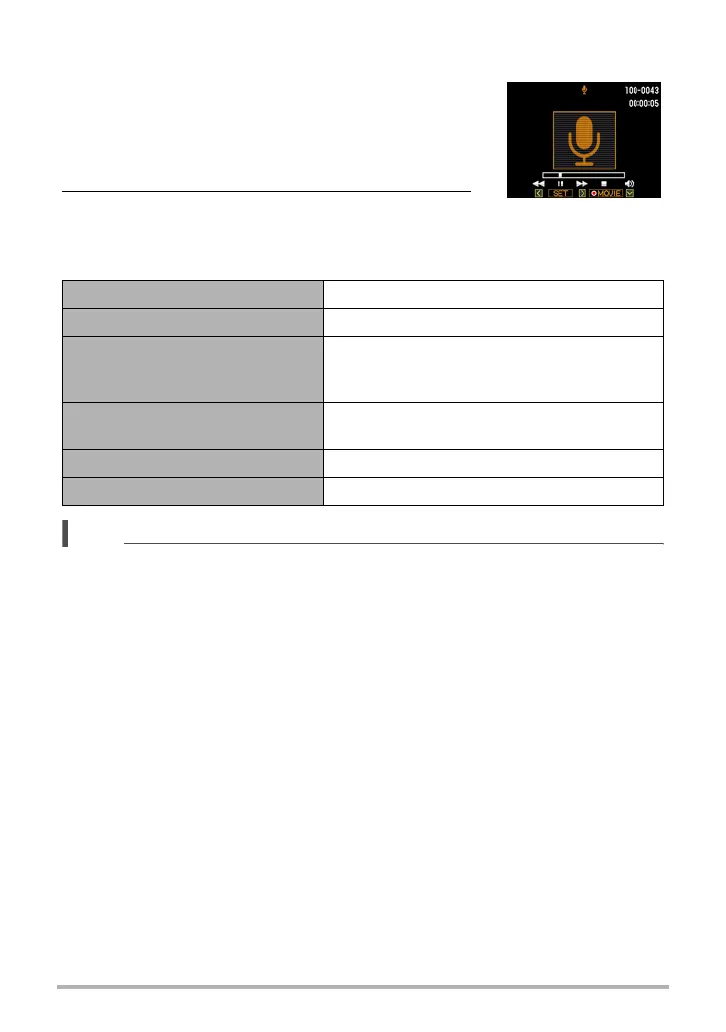
. To play back an audio recording
1. In the PLAY mode, press [SET] towards [4]
or [6] to display the Voice Recording file you
want to play.
` is displayed in place of an image for a Voice
Recording file.
2. Press [0] (Movie) to start playback.
Voice Recording Playback Controls
NOTE
• See page 28 for information about deleting a voice recording file.
Fast forward/fast reverse Press [SET] towards [4] or [6].
Play/pause Press [SET].
Jump to marker
While playback is paused, press [SET]
towards [4] or [6] to jump to the next marker
and then press [SET] to resume playback.
Volume adjustment
Press [SET] towards [
2] and then press
[SET] towards [
8] or [2].
Monitor screen on/off Press [SET] towards [8].
Playback end Press [0] (Movie).


 To Next Page
 Loading...