EasyManua.ls Logo

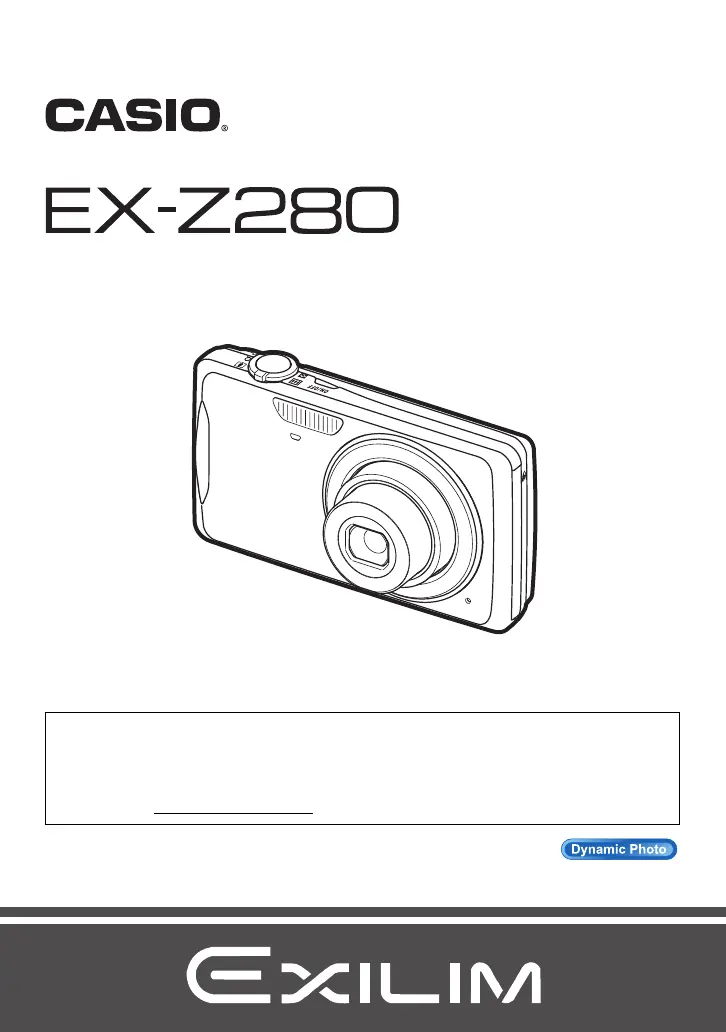
Casio Exilim EX-Z280 - User Manual

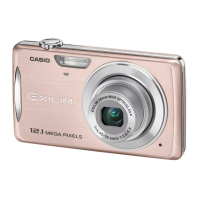
Casio Exilim EX-Z280
194 pages
Print Icon
To Next Page IconTo Next Page
Loading...
1
E
To go to “Getting the Most Out of Dynamic Photo” click here!
Thank you for purchasing this CASIO product.
Before using it, be sure to read the precautions contained in this User’s Guide.
Keep the User’s Guide in a safe place for future reference.
For the most up-to-date information about this product, visit the official EXILIM
Website at http://www.exilim.com/
Digital Camera
User’s Guide

Table of Contents

Questions and Answers

  • R
    robert41Aug 12, 2025
    How to fix a Casio Exilim EX-Z280 Digital Camera that does not turn on?
    • C
      Christina CollinsAug 12, 2025
      To resolve the issue of your Casio Digital Camera not turning on, start by ensuring the battery is correctly loaded. If it is, charge the battery. Should the battery drain rapidly after being charged, it likely needs replacing. Consider purchasing a CASIO NP-80 rechargeable lithium-ion battery.
  • R
    Randall CoxAug 15, 2025
    What to do if my Casio Exilim EX-Z280 Digital Camera will not turn off?
    • D
      Deborah YoungAug 15, 2025
      If your Casio Digital Camera will not turn off or buttons are unresponsive, remove the battery and then reload it.
  • J
    Jonathan MercadoAug 19, 2025
    Why does my Casio Exilim EX-Z280 Digital Camera suddenly power down?
    • S
      Samuel CruzAug 20, 2025
      If your Casio Digital Camera powers down unexpectedly, several factors could be at play. First, the Auto Power Off feature might be enabled; simply turn the power back on. Alternatively, the battery may be depleted, so try charging it. Lastly, the camera's internal protection might activate if the temperature is too high; in this case, switch off the camera and allow it to cool down before attempting to use it again.
  • E
    Emily CooperAug 23, 2025
    Why is the auto focus not working on my Casio Exilim EX-Z280 Digital Camera?
    • R
      Roger ContrerasAug 23, 2025
      If your Casio Digital Camera's auto focus isn't working properly, you can try the following: * Clean the lens if it's dirty. * When composing your image, ensure the subject is in the center of the focus frame. * If your subject isn't compatible with Auto Focus, use manual focus. * If you are moving the camera when shooting, try using Anti Shake or a tripod. * Half-press the shutter button and allow enough time for Auto Focus to focus before fully pressing it.
  • F
    Frank DavisAug 27, 2025
    What to do if my Casio Digital Camera is not recording images?
    • V
      Virginia CampbellAug 27, 2025
      If your Casio Digital Camera is not recording images when you press the shutter button, make sure the camera is in REC mode by pressing the REC button. If the flash is charging, wait for it to finish. If the message 'Memory Full' appears, transfer images to your computer, delete unnecessary images, or use a different memory card.
  • T
    Teresa RobertsonAug 30, 2025
    Why doesn't the flash fire on my Casio Exilim EX-Z280?
    • B
      Brandon ParkerAug 30, 2025
      If the flash on your Casio Digital Camera isn't firing, check the flash mode setting. If the flash is set to off, change it to another mode. Also, ensure the battery isn't dead by charging it. If you're using a BEST SHOT scene that disables the flash, switch to a different flash mode or BEST SHOT scene.
  • R
    Renee VazquezSep 3, 2025
    Why does my Casio Exilim EX-Z280 Digital Camera power down during Self-timer countdown?
    • K
      Krista RobinsonSep 4, 2025
      If your Casio Digital Camera powers down during the self-timer countdown, the battery may be low. Charge the battery to resolve this issue.
  • D
    Darlene ArnoldSep 7, 2025
    Why does my Casio Digital Camera playback image color look different?
    • S
      sherry30Sep 7, 2025
      If the color of the playback image on your Casio Digital Camera differs from what you saw on the monitor screen while shooting, it might be due to sunlight shining directly into the lens. Adjust the camera's position to avoid direct sunlight.

Casio Exilim EX-Z280 Specifications

General IconGeneral
BrandCasio
ModelExilim EX-Z280
CategoryDigital Camera
LanguageEnglish

Related product manuals