– 14 –
4. TROUBLESHOOTING
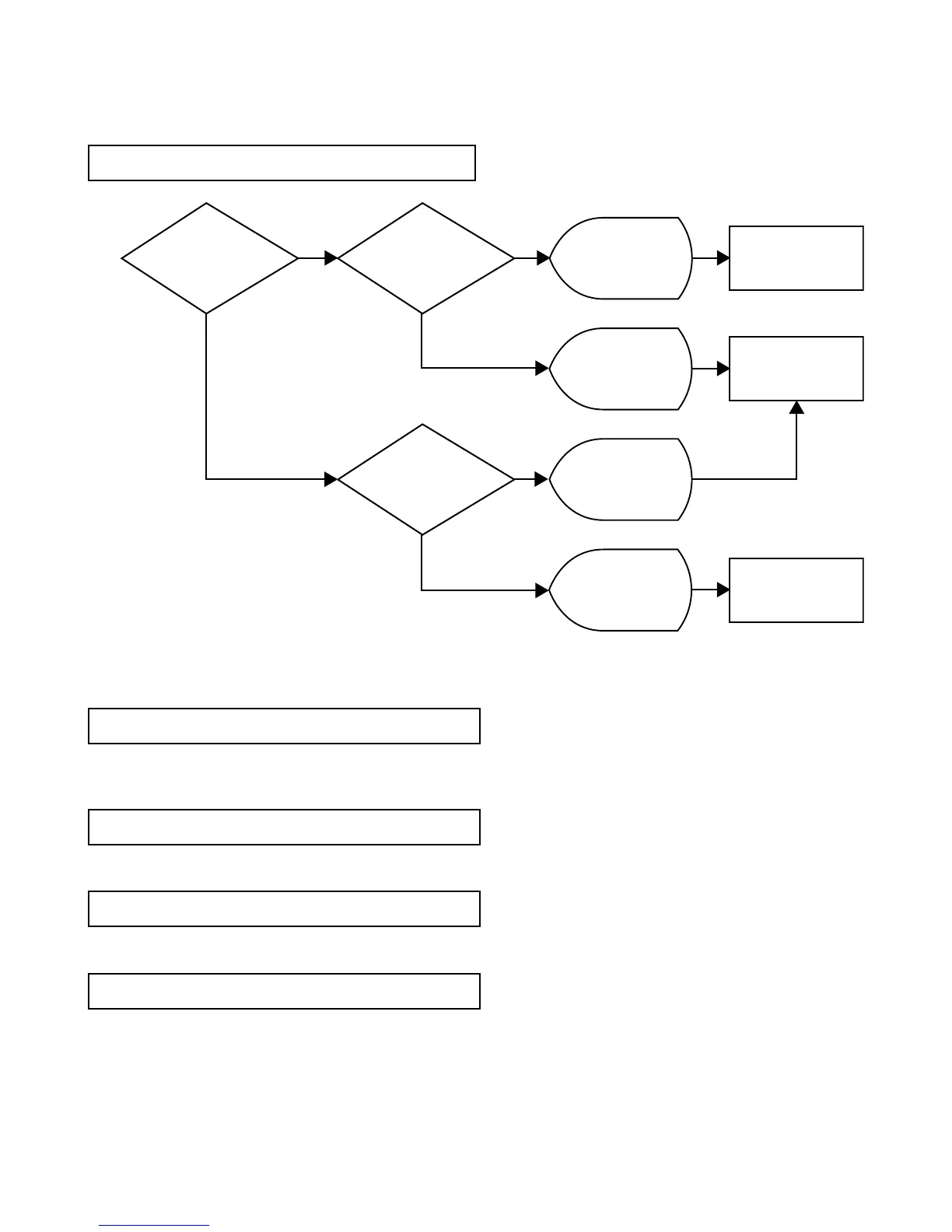
4-1. Does not turn ON
4-2.
Memory error occurs after booting IT-3100.
4-3.
The diagnostic program cannot be loaded.
4-4. SDRAM NG
4-5. NAND-FROM NG
Memoryerrormayoccurwhen
IT-3100
withanemptybackupbatteryisbooted.
Inthiscase,initializethememoryasindicatedonthedisplay.
Referto"4-12.PCMCIANG".
ReplacetheMAINPCBandcheckagain.
ReplacetheMAINPCBandcheckagain.
Check the voltage and
placement of the battery.
Check if LCD
connector and BL connector
are correctly inserted.
Check on the
detection SW.
MAIN PCB is
defective.
LCD connector and
BL connector are
not correctly
inserted.
Battery is defective or
incorrectly inserted.
Detection SW is
defective.
Replace the
MAIN PCB and
check again.
Replace the
Detection SW and
check again.
Continue check.
OK
OK
NG NG
OK
NG














 To Next Page