– 26 –
6-2. Calibrating Touch Screen Alignment
Whenever you feel that touch screen response is poor or that the operations being executed do not
matchthelocationyouaretappingonthetouchscreen,performthefollowingoperationstocalibratethe
alignmentofthetouchscreen.
• Pressthe“Fn”keyandthenmakesurethat“F”appearsinthelowerrightcornerofthescreen.Ifthe“F”
appears,pressthe“4”key.
* ThefollowingscreencanalsobedisplayedbynavigatingtoStart→Settings→StylusandCalibration
tab.
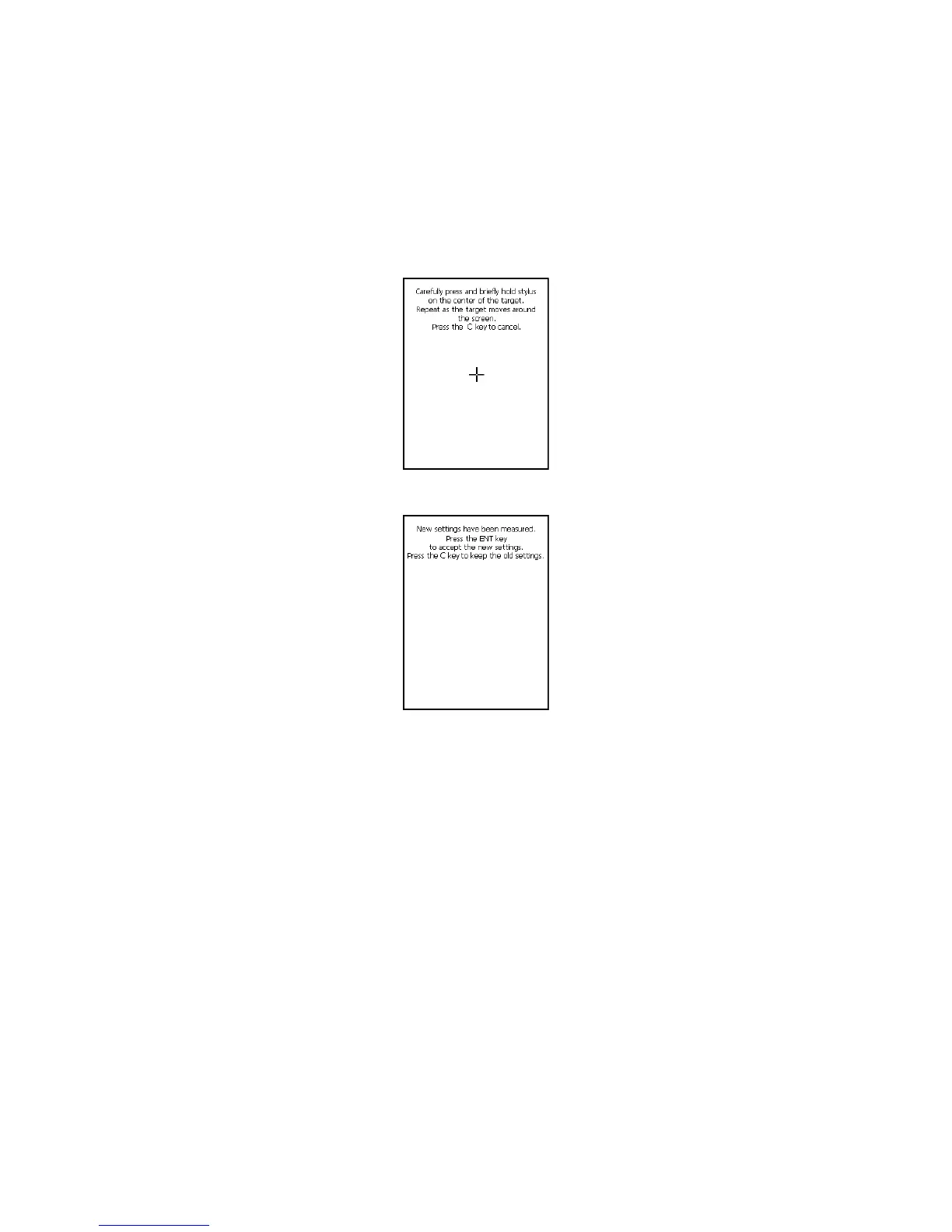
• Pressthestylusagainstthecenterofeachtargetmark(totalofvemarks)asindicatedonthescreen.
Thescreenshownbelowappearsafteryoupressstylusagainstthetargetatvedifferentlocations.
• PresstheENTERkeyortapanywhereonthetouchscreen.
Adjusting Display Contrast
Performthefollowingstepstoadjustdisplaycontrasttomakedisplaycolorsmorevividandeasiertosee.
• Pressthe“Fn”keyandthenmakesurethat“F”appearsinthelowerrightcornerofthescreen.Ifthe“F”
appears,pressthe“2”keyor“3”key.Pressingthe“2”keyadjustsformorecontrast,whilepressingthe“3”
keyadjustsforlesscontrast.
* Inordertocontinuetomakeadjustments,pressthe“2”keyor“3”keyafteragainrstpressingthe“Fn”
key.
* Contrastsettingscanalsobemadebyconsecutivelytapping“Brightness”onthecontrolpanel.














 To Next Page