– 28 –
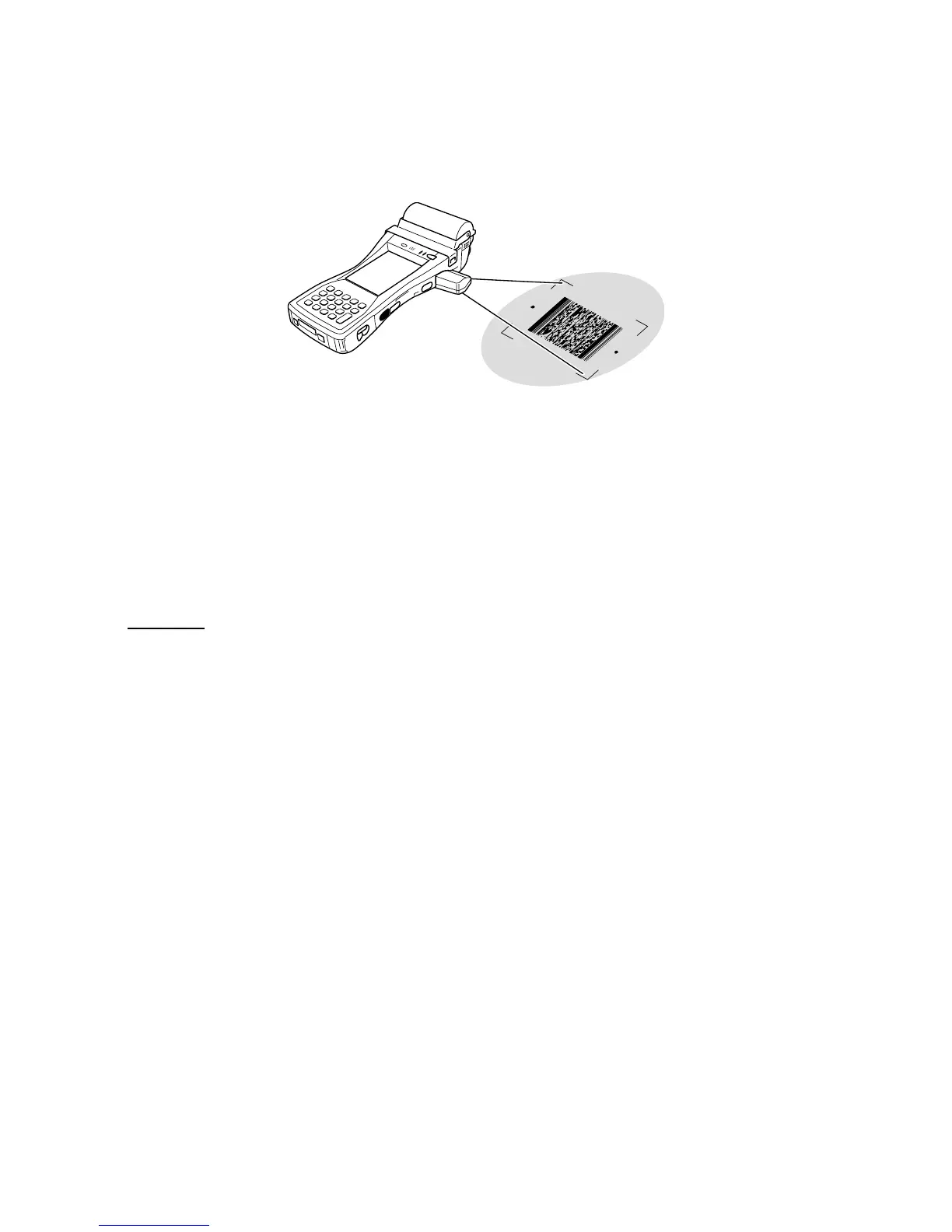
6-3. C-MOS Imager
(IT-3100M55E/M55E2/M55U/M56E/M56E2/M56U only)
1. Turn on the Handheld Printer Terminal, position its C-MOS Imagerreader port near the bar code or 2D
code, and then press the Trigger Key (R or L).
2. The Handheld Printer Terminal reads the code by emitting laser and red lights.
Indicator 2 (read operation indicator lamp) lights in green when the reading is successful.
Bar code and stacked 2D code Reading Guide
When you press the Trigger key (R or L), LEDs in the Handheld Printer Terminal emit laser and red lights.
Align the laser frame with the center of the bar code or 2D code you are trying to read. Take particular
care aligning the light when there are other bar codes nearby.
When reading a large code, adjust the position of the Handheld Printer Terminal so that the entire code is
enclosed within the laser frame.
Important!
• Ifyouhaveproblemnotproperlyreadingacode,changetheangleand/orthedistancebetweenthecode
and the Handheld Printer Terminal and try reading it again.
• Abarcodecanbereadfromadistanceof40mmto410mm(1
9
/
16
" to 16
1
/
8
"), and a stacked 2D code can
beread from a distanceof50mmto250mm(1
15
/
16
" to 9
13
/
16
") and matrix 2D code can be read from a
distanceof60mmto150mm(2
3
/
8
" to 5
5
/
16
"). The actual reading distance depends on the symbology and
the resolution.
• Forsmallercodes,movetheHandheldPrinterTerminalclosertothecode.
• Toreadalargecode,movetheHandheldPrinterTerminalfurtherawayfromthecode.
• Notethataspecialreaderapplicationisrequiredtoreadbarcodesand2Dcodes.
• TheIT-3100M55E/M55E2/M55U/M56E/M56E2/M56Usupportreadingof2Dcodesymbologies.
• Fingerprints, dust, dirt,orotherforeignmatteronthe C-MOS Imagerreaderportcancauseabnormal
reading. Should the reader port become dirty, wipe it clean with a soft and dry cloth.














 To Next Page