No Operation Display Inspection contents
– 52 –
No.11MCR
BacktoMainMenu
_
Tap[Exit]
or
push"Enter"key.
Switchto“MainMenu2”.
Tap"4.MCR"
or
push"4"key.
forM54E/M54E2
**MCRTest···**
[MCRModel::ISO1/2+JIS2]
forM55E/M55E2/M55U
**MCRTest···**
[MCRModel::ISO1/2/JIS2]
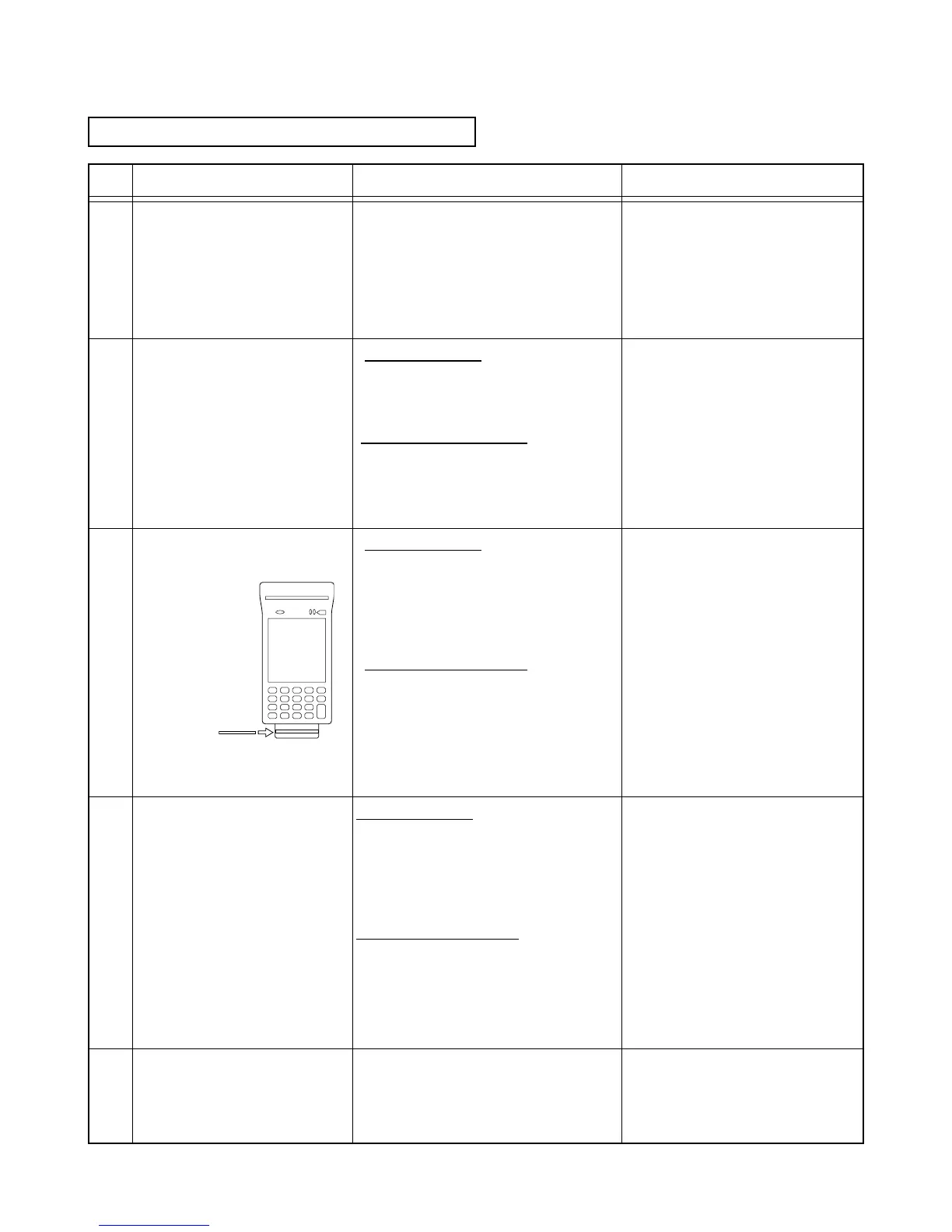
Readthediagnosticcard.
Scanningspeed50-100cm/
sec.
Conrmthedisplayontheleft.
_
Conrmthedisplayontheleft.
_
_
Whenanerroroccurs,the
displayshowstheright.
Performthescanningofthe
aboveNo.3againasthe
diagnosticcardmaynothave
beencorrectlyscanned.
Note:
Thediagnosticcard
canbereaduptothree
timeswhenanerror
occurs.Fromthenon,
returntothemenu
once.
forM54E/M54E2
MCR:ISO1:OK
MCR:ISO2:OK
MCR:JIS2:OK
[Exit]orEnterKey
forM55E/M55E2/M55U
MCR:ISO1:OK
MCR:ISO2:OK
MCR:ISO3:OK
[Exit]orEnterKey
forM54E/M54E2
MCR:GetDataerror
_
>ISO1.
_
>ISO2.
_
>JIS2.
forM55E/M55E2/M55U
MCR:GetDataError
_
>ISO.1
_
>ISO.2
_
>ISO3.
1
2
3
4
5
*Thesurfacewithanarrower
magneticstripeisfront.
Diagnosticcard
Back
Front














 To Next Page