105
E
Options
P-5880T roll paper
WT-90, 91 wetproof cover
The optional wetproof cover protects the keyboard from moisture damage.
Consult your CASIO dealer for details.
User Maintenance and Options
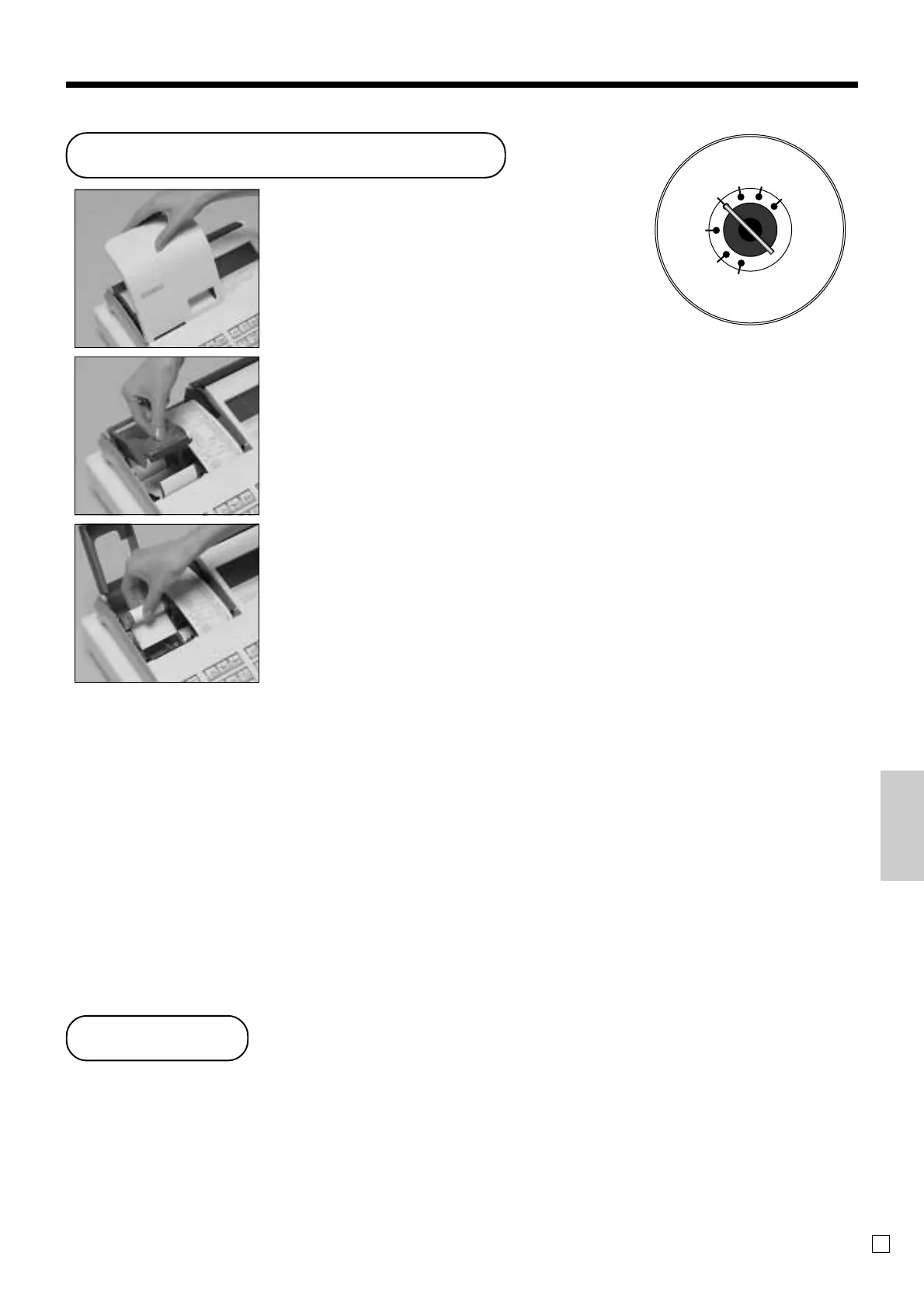
Step 1
Set the mode switch to the
REG position and remove
the printer cover.
Step 2
Open the platen arm.
Step 3
Remove the old paper roll
from the cash register.
Step 4
Load new paper.
Go to the step 3 described
on page 11 of this manual.
To replace receipt paper
X
REG
OFF
RF
PGM
Z
X2/Z2
User Maintenance and Options



 To Next Page