E-15
Power ON/OFF
This product has 3 power switches, the main power switch, power switch, and the OFF
switch.
Daily Use
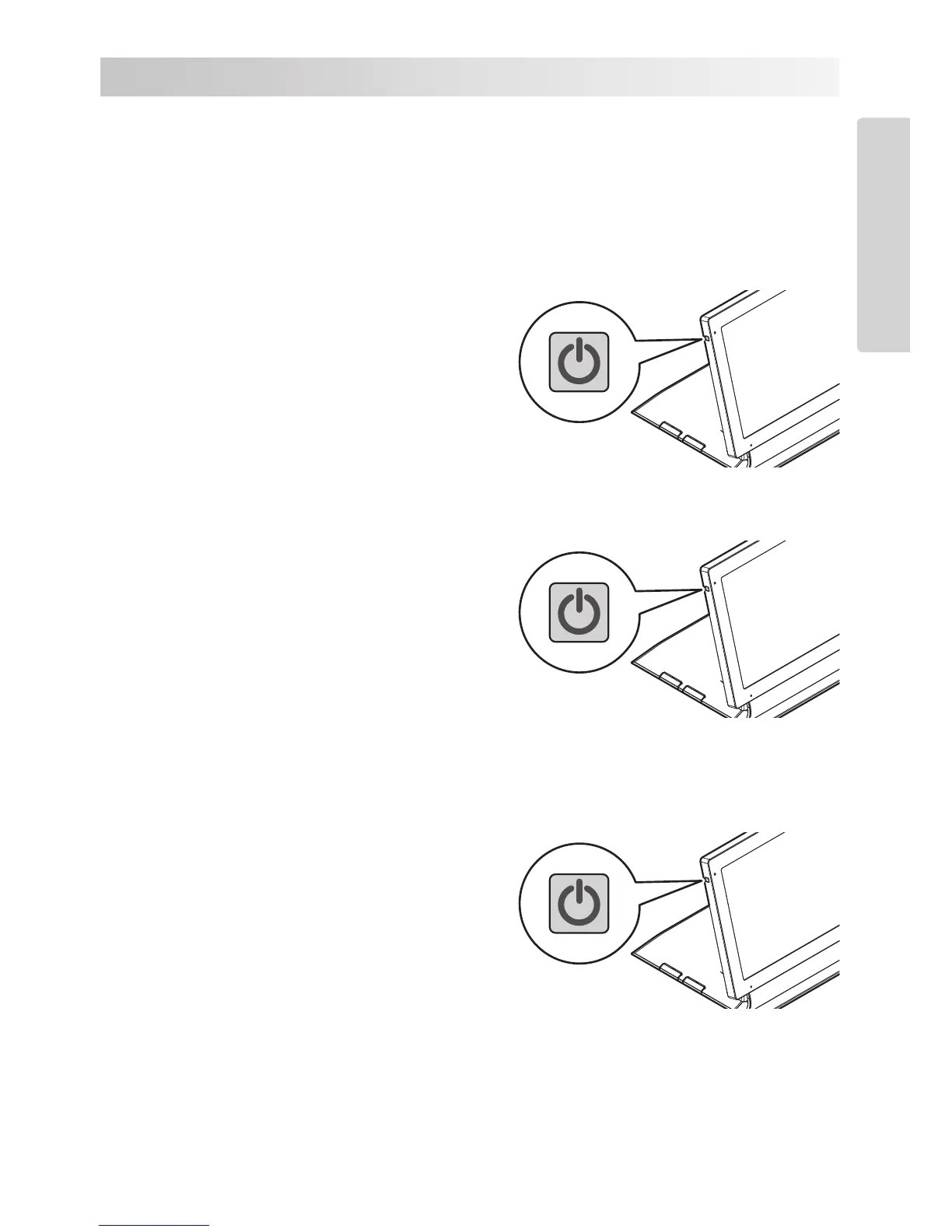
Turning the Power ON
1. Press the power switch.
The screen will turn on.
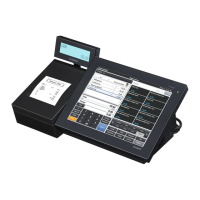
Turning to sleep mode
1. Press the power switch while the power
is ON.
The screen will turn off.
• The screen is turned off but the main
body is operating while in sleep
mode.
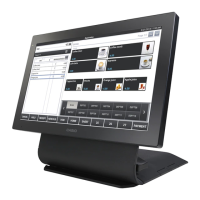
Turning the Power OFF (shutdown)
1. Press and hold the power switch for 10
seconds or longer.
2. Touch the “Power off” display.


 To Next Page