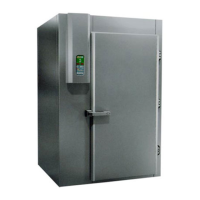
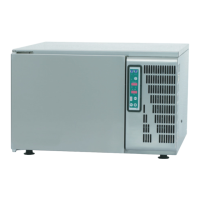
BLAST CHILLER FREEZER FUNCTIONS
ON / OFF
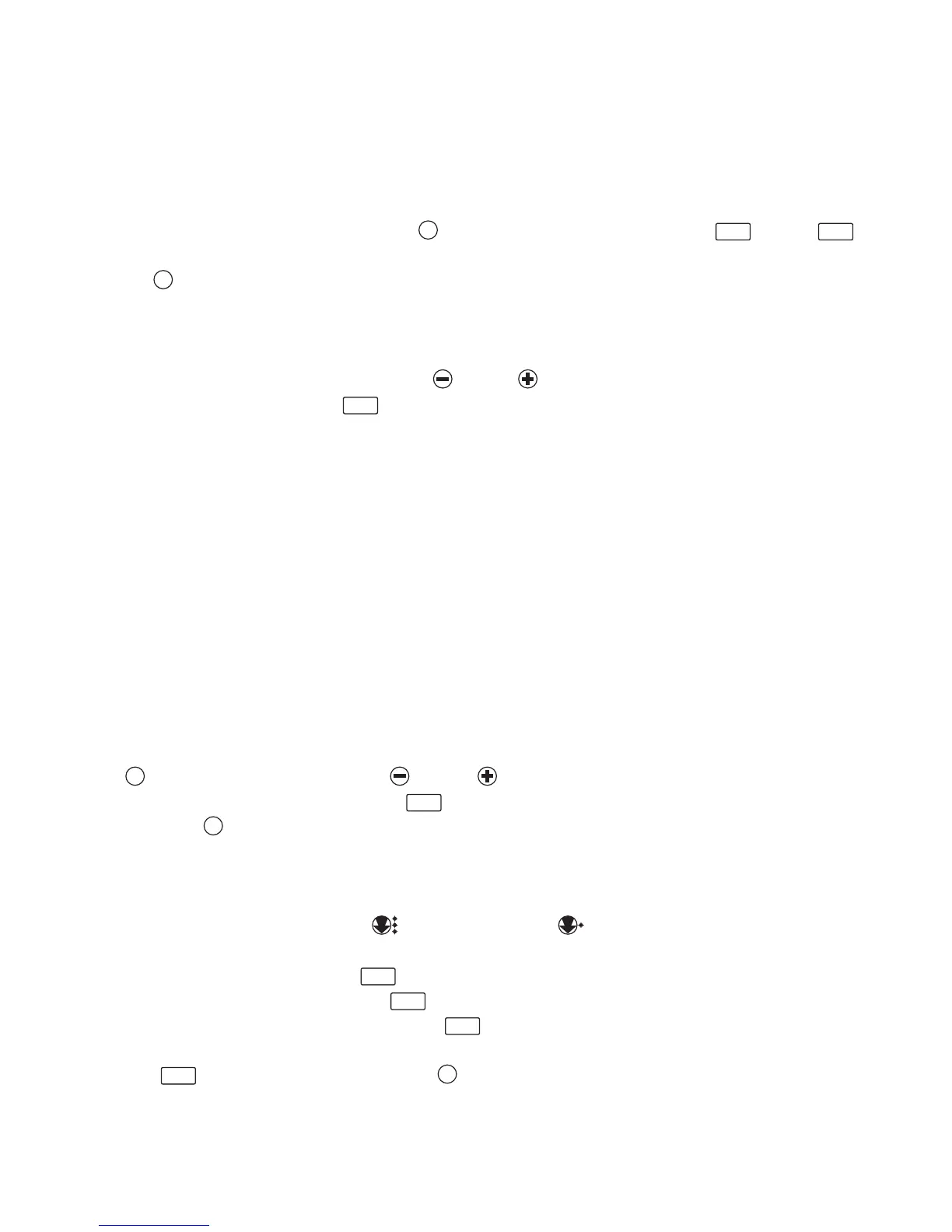
As soon as the Chiller is turned on all the led and keypad displays light up (fig.1) and a lamp-test is run
for a few seconds. Then the Chiller returns to its original state.
To turn it OFF, simply press pushbutton P4 for 3 seconds. On both displays, D1 and D2
, the wording “OFF” will come up and LED L4 will light up. To switch the Chiller to “ON” press pushbut-
ton P4 and LED L4 will go out.
SELECTING CYCLES
With the Chiller powered use pushbuttons P1 and P2 and select the type of product to be chilled.
A list will come up on display D2 (“product list”). The following food products are listed:
- tg (vegetables)
- FM (fruit)
- SF (fish)
- Mb (beef)
- MS (pork)
-MP (poultry)
- cbt (cooked vegetables)
- cbc (cooked meats)
- PSc (pastries)
- icE (ice-cream)
- Man (manual mode)
When selecting the required function, LED L3 will start flashing. To confirm the product selected press
P3 and then using pushbuttons P1 and P2 select the quantity (0,5 – 1,0 – 1,5 – 2,0 – 2,5 –
3,0 kg) which will come up on display D1 (“Q.ty kg”). When selecting LED L2 will flash. To con-
firm press P3 and escape from the program.
BLAST CHILLING OR FREEZING
To select the type of cycle press P5 for freezing and P6 for chilling. Both have an automatic
storage mode at the end of the cycles. When chilling or freezing L5 or L6 will flash. The internal tem-
perature will come up on display D1 which is indicated in degrees Celsius, and the remaining cycle
time (in minutes) is given on display D2 . Led L2 indicates when the fans are working. Two minutes
from the end of the cycle the time on display 2 will start flashing. The moment the cycle has been
completed an acoustic signal is activated for a few seconds and the wording “end” will come up on dis-
play D2 (to turn off the beeper press P4 ).


 To Next Page