Castles Technology Co., Ltd. Confidential • All Right Reserved. Pg. 10
3. Basic Operation
3.1. Program Manager
Upon power on, terminal will enter Program Manager if not default application
selected. All user applications are list in Program Manager. User may select an
application and run the application or view the application info, delete the
application or set to default run upon power on. User may enter System Menu to
configure terminal settings.
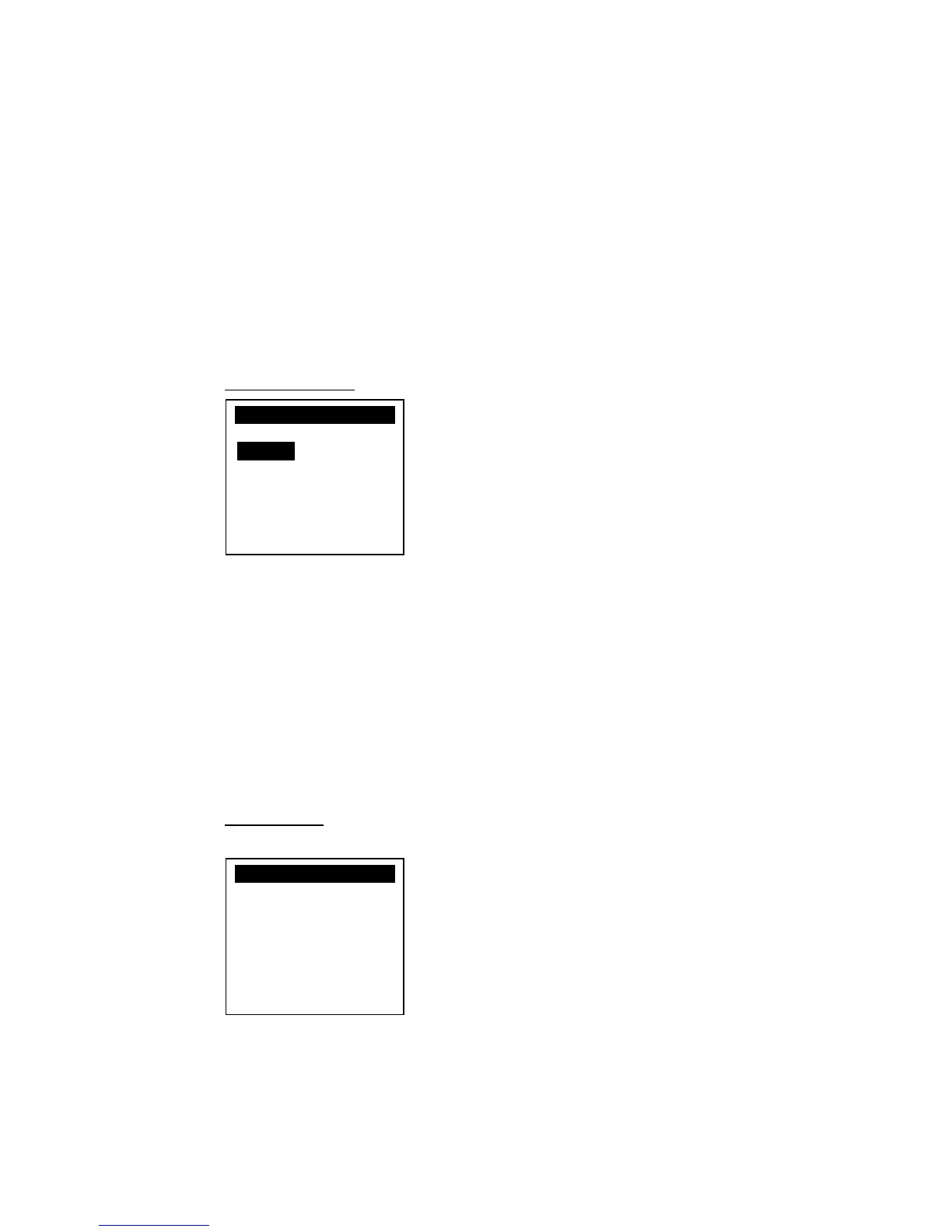
Program Manager
Press [0] button to enter System Menu.
Press [1] button to toggle default application selection.
Press [2] button to delete application.
Press [3] button to view application info.
Press [OK] button to run application.
Press [↑] or [↓] to select application.
System Menu
Page 1
Press [↓] button to page 2.



 To Next Page