Castles Technology Co., Ltd. Confidential • All Right Reserved. Pg. 42
4.4. Changing ULD User Key
User may change their ULD User Key Set stored in Key Card. Castles
Technology provided a tool named “Secure Key Generator” to perform this task.
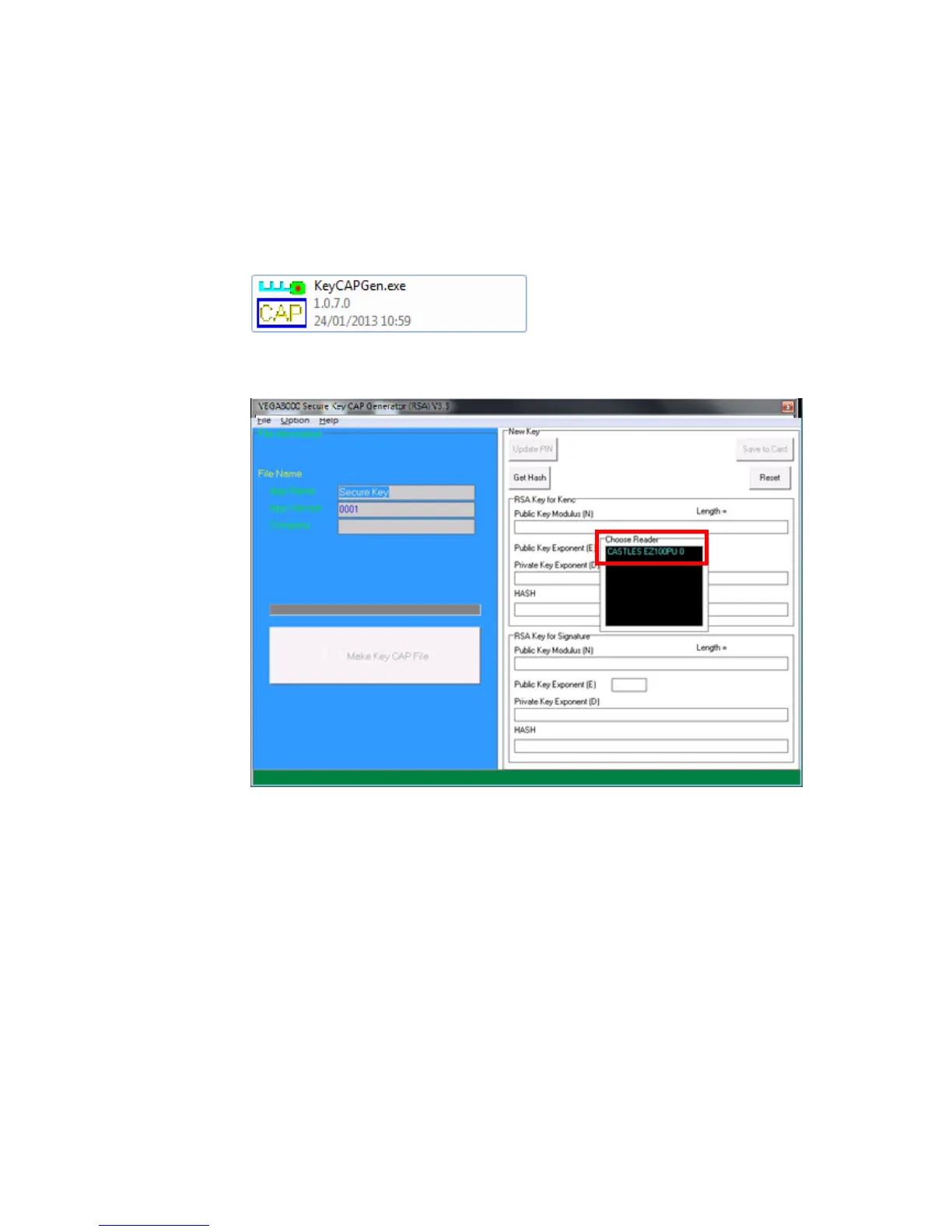
Run Secure Key Generator
Insert Key Card and select smart card reader
Enter Key Card PIN, default PIN is “1234”.



 To Next Page