Castles Technology Co., Ltd. Confidential • All Right Reserved. Pg. 35
4.2.2. Signing User Files
Following files are required to sign before load to terminal. This is to
ensure the application data and codes confidential and integrity. The
output file will be “CAP” file which is file format defined by Castles.
User application
User application data files
User application library
Font file
Share library
Share files
System setting
Key CAP (Manufacturer ULD Key Set)
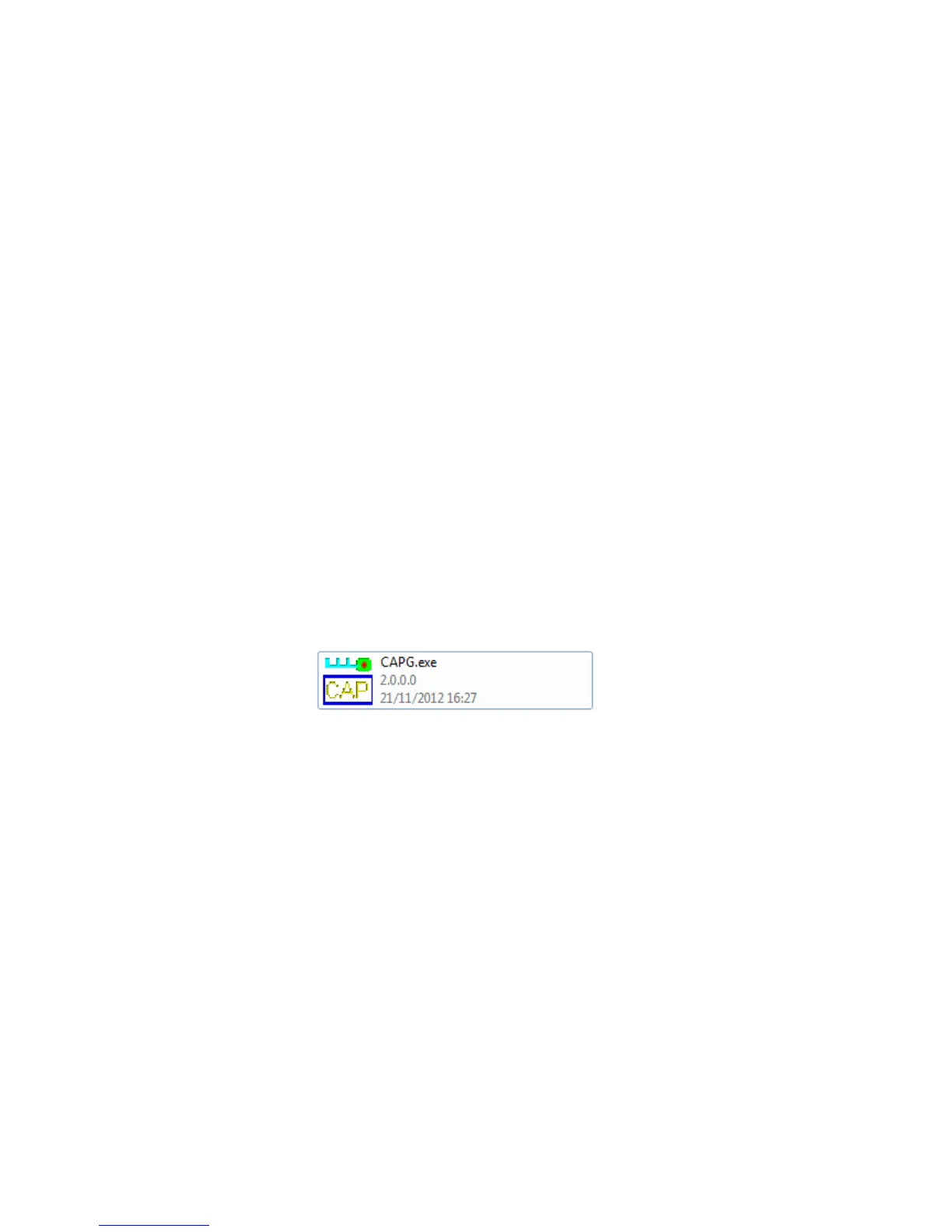
Castles Technology provided a tool named “CAP Generator” to perform
this task.
The CAP Generator is located at:
C:\Program Files\Castles\MP200\tools\CAPG (KeyCard)
Run CAP Generator



 To Next Page