Castles Technology Co., Ltd. Confidential • All Right Reserved. Pg. 52
5.2. Custom Font
User may create font they preferred for displaying or printing on terminal.
There are two zone defined:
Zone 0x00 ~ 0x7F – ASCII characters, you may replace with the font type
preferred or your own language character set.
Zone 0x80 ~ 0xFF – Free to use, you may use for symbols.
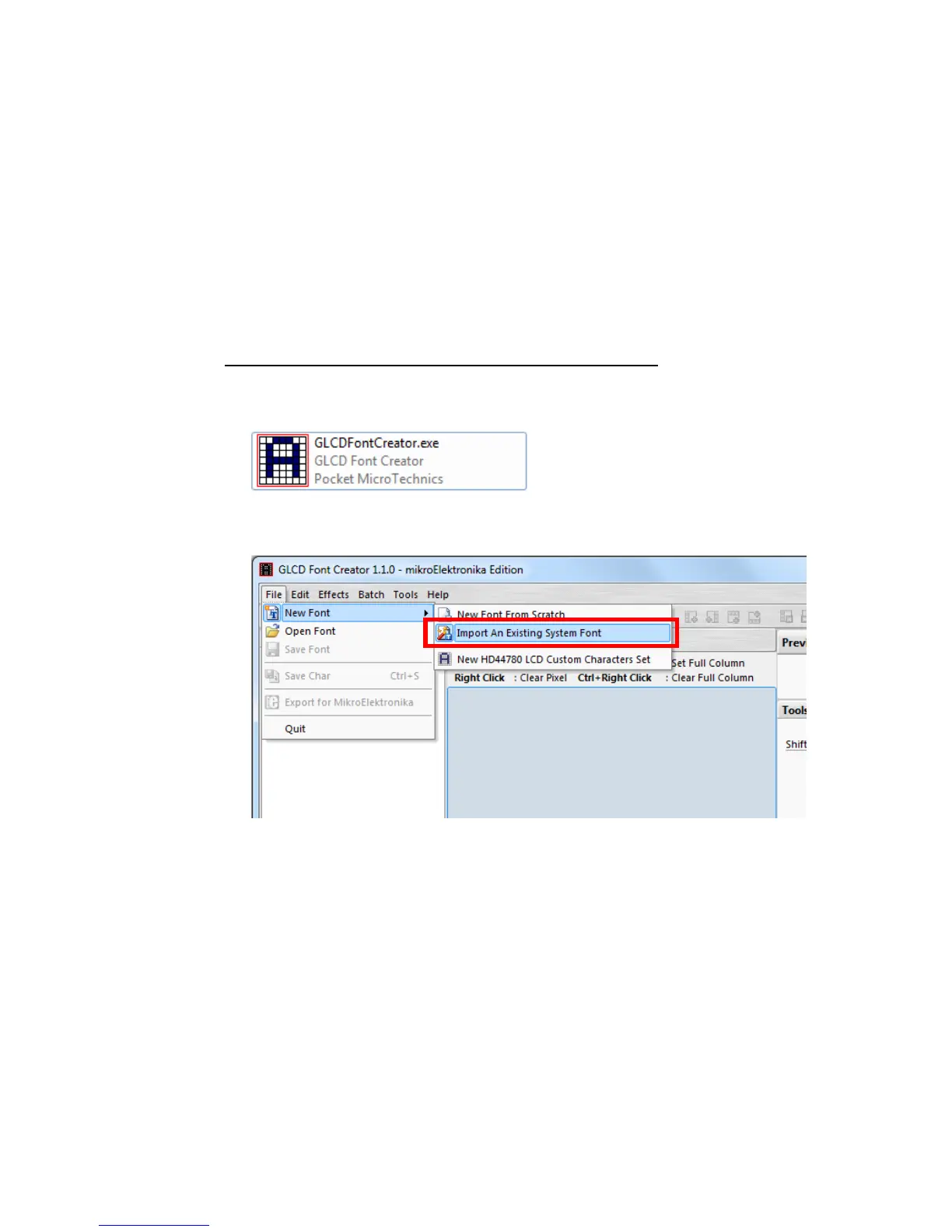
Following steps demonstrate how to create a 12x24 font.
Run GLCD Font Creator
Select [File] [New Font] [Import An Existing System Font]



 To Next Page