Castles Technology Co., Ltd. Confidential • All Right Reserved. Pg. 51
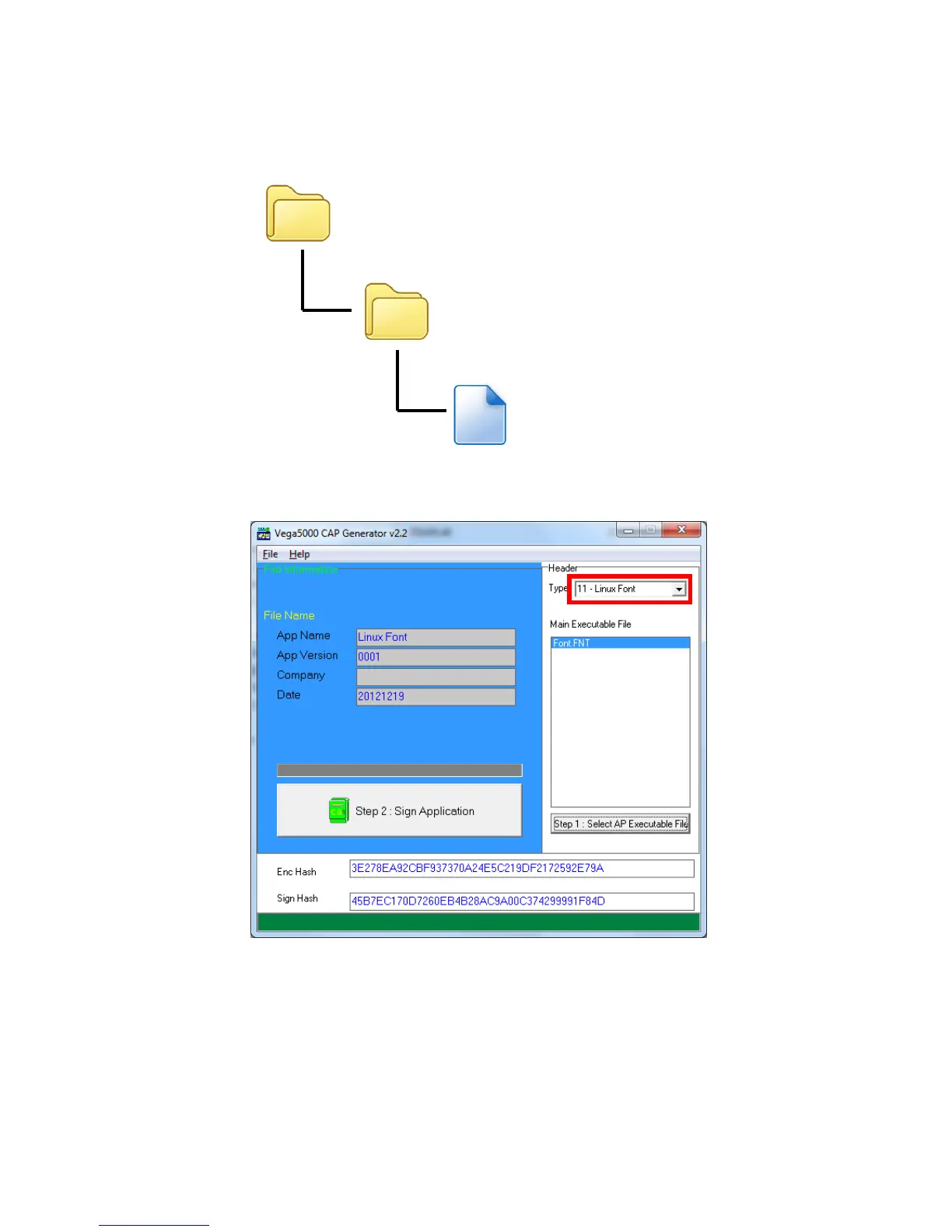
Output file “Font.FNT” will be located at sub-directory named “Font” in “Font
Manager” folder.
Sign the file using CAP Generator, the type must set to “11 – Linux Font”.
Lastly, download the signed file (CAP file) to terminal using Loader.



 To Next Page