EasyManua.ls Logo

Castles Technology MP200 - Page 16

Castles Technology MP200
62 pages
Print Icon
To Next Page IconTo Next Page
To Previous Page IconTo Previous Page
Loading...
Castles Technology Co., Ltd. Confidential • All Right Reserved. Pg. 16
NTP Update Freq
Frequency of Network Time Protocol updating.
BT DIRECT ACCESS
Enable (Y) or disable (N) Bluetooth direct access
mode.
Halt Timeout
Set timeout for AP to back to Program Manager
whenever AP is in halt state.
PWM Auto
Enable (Y) or disable (N) power saving mode.
PWM Mode
Select (STB) standby mode or (SLP) sleep mode
for power saving mode.
PWM Time
Set time period by which to make terminal getting
into power saving mode from idle state.
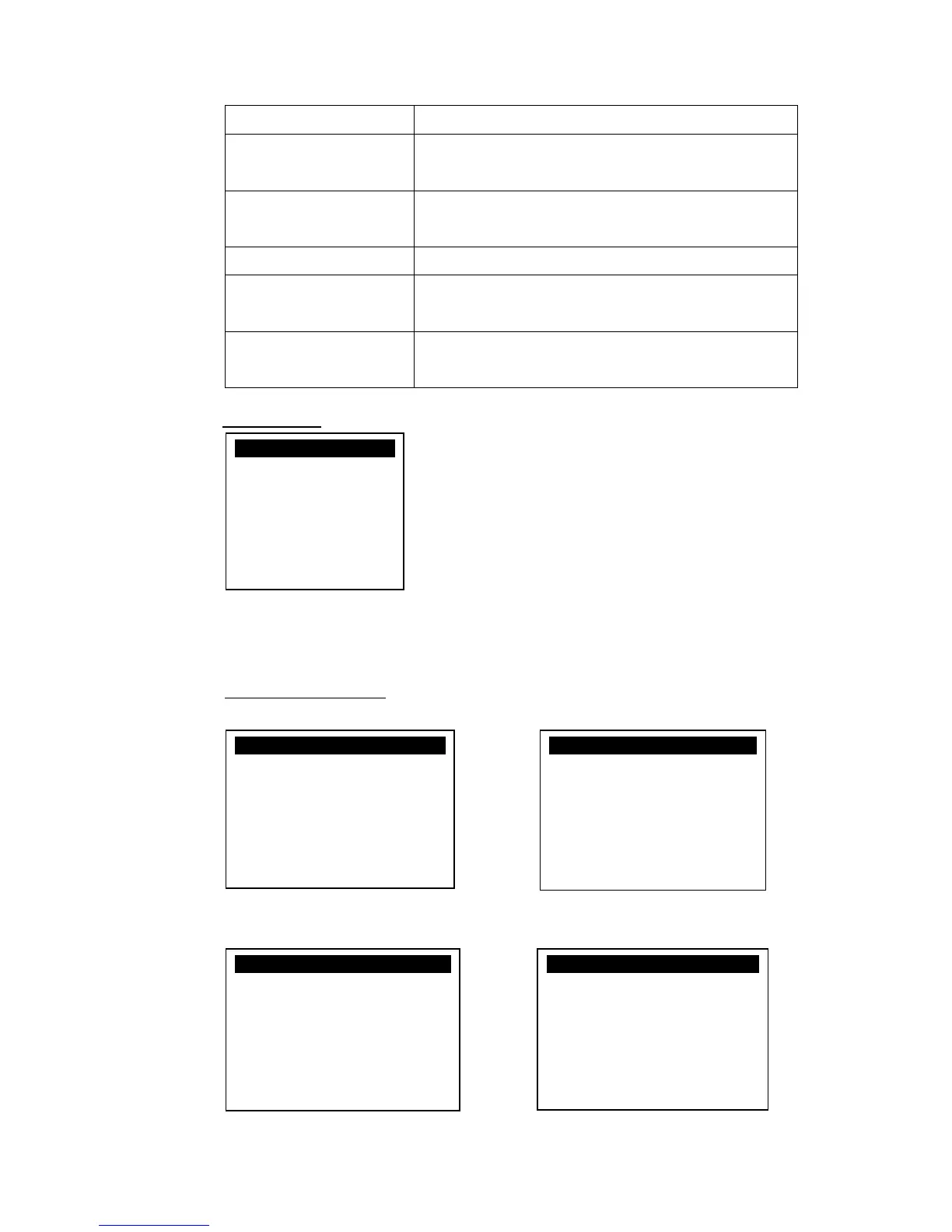
System Menu
Press [4] button to enter System Settings menu.
System Settings Menu
Page 1 Page 2
Page 3 Page 4
SYS SETTINGS
Key Sound : Y
Exec DFLT AP : Y
-Default AP Name
USB CDC Mode : Y
FunKeyPWD : N
PMEnterPWD : N
2: Next Page
SYS SETTINGS
SET USB Host : N
Base USB CDC : X
List SHR Lib : N
Key MNG Mode : 0
Bat Threshld : X
Null Cradle : X
1: Prev 2: Next
SYS SETTINGS
Debug Mode : N
Debug Port : X
Mobil AutoON : N
Bklit Auto Off : N
Bklit Off Time : X
PWR KEY OFF : N
1: Prev 2: Next
SYS SETTINGS
GDB Mode : N
GDB Timeout : X
GDB Channel : X
ETHER IP/PORT
1: Prev 2: Next

Other manuals for Castles Technology MP200

Related product manuals