Castles Technology Co., Ltd. Confidential • All Right Reserved. Pg. 38
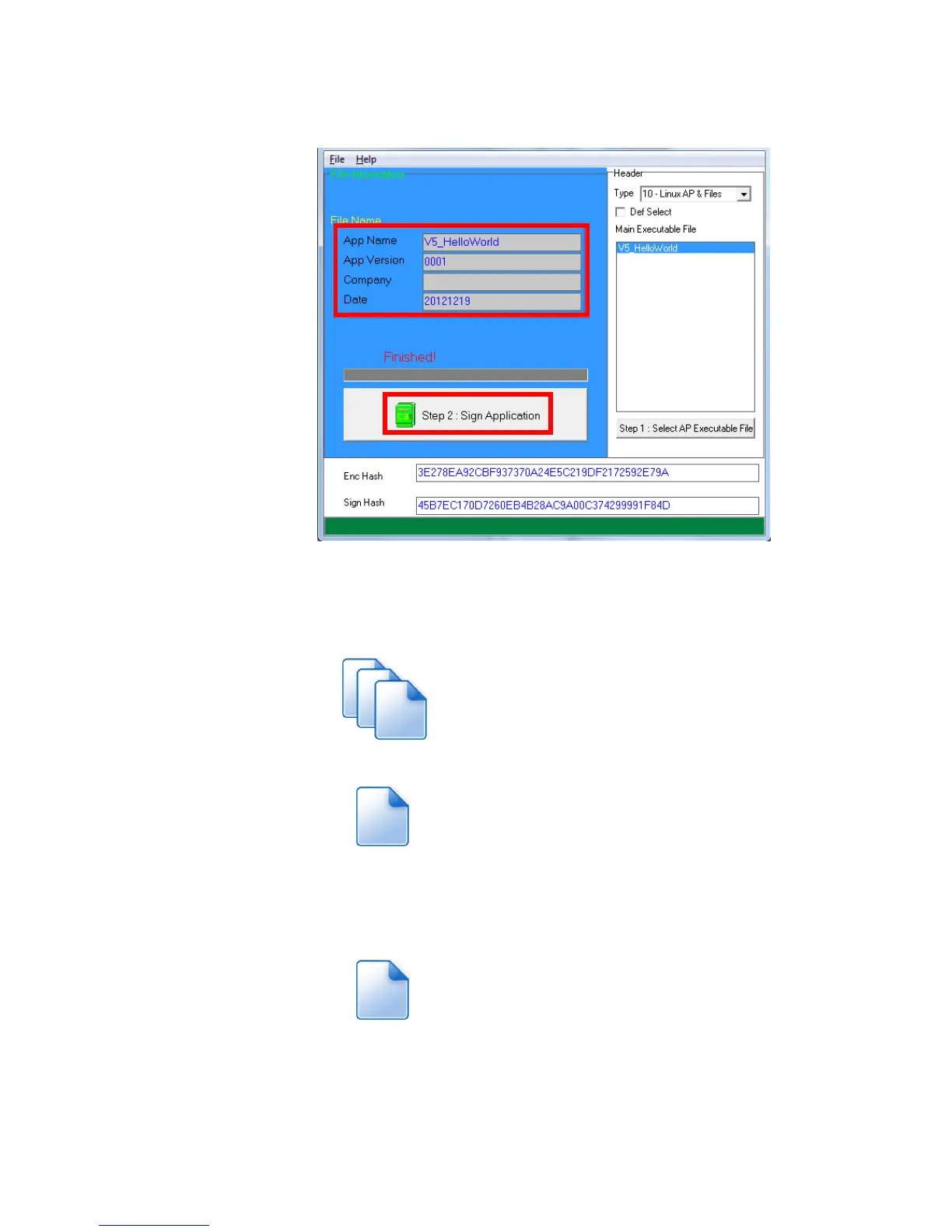
Enter file details and press “Step 2: Sign Application” to sign the file.
This is valid for all the files to sign.
The output file will be in a set. A “mci” file with one or more “CAP”
files.CAP file contents the signed file binaries, where MCI file
contents the list of CAP files.
Note: If user would like to load multiple set of signed file, create a new
file with extension of “mmci”. Then put the mmci file contents with the list
of mci file.



 To Next Page