Castles Technology Co., Ltd. Confidential • All Right Reserved. Pg. 40
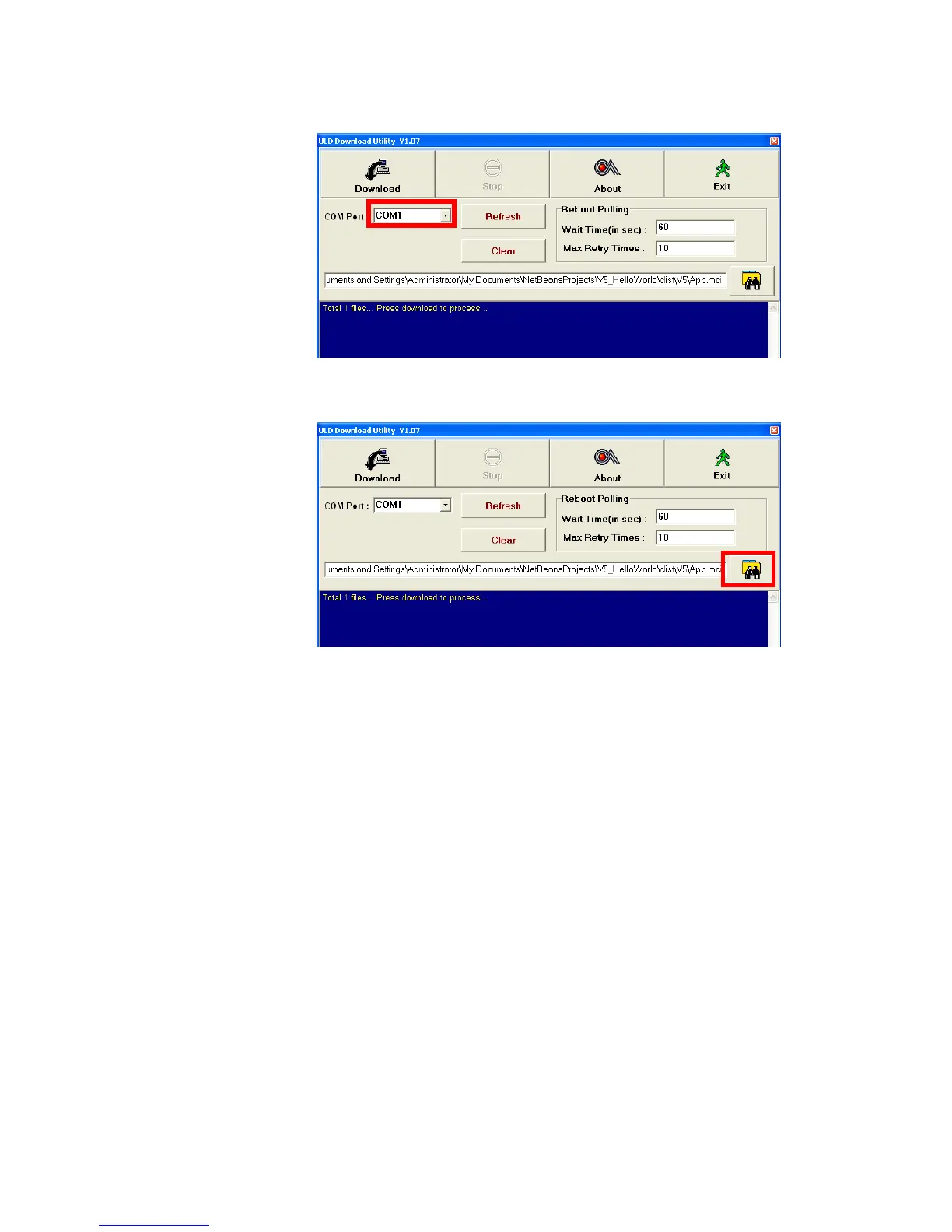
Select COM port
Browse and select mci file or mmci file
Setup terminal to enter download mode
Press [0] button in Program Manager (PM)
Press [1] button to select “1. Download AP“
Press [1] button again to select download via RS232 or USB



 To Next Page