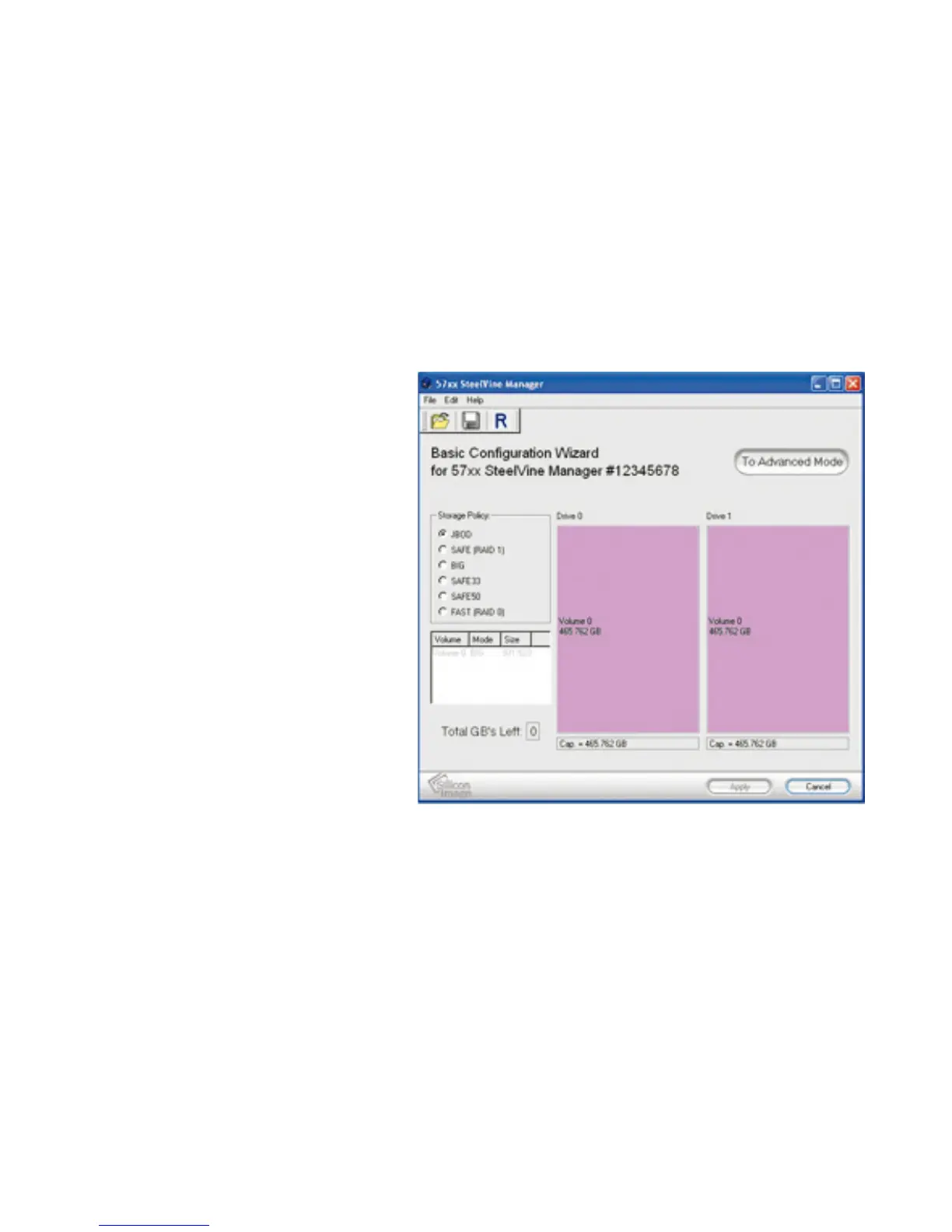
Step 4. After installation is
completed, go to Start >> All
Programs >> Silicon Image >>
SteelVineManager.
Step 5. Finally, load the
program by right-clicking the
blue SteelVine icon on the
bottom-right corner of the
screen (in the system tray).
Proceed by clicking "Open
57xx SteelVine Manager."
Step 6. Once the program has
loaded, go to Edit >> Configure
Box. When prompted, enter the
default password "admin."
14 15



 To Next Page