SATA Users: If you do not already have an eSATA interface on your
computer, first install the bracket when the computer is off. Then connect the
drive to the bracket, turn on the unit, then turn on the computer. For a guide
to install the eSATA bracket, see the "Content/CADA-SA2" folder of the CD.
Step 4. Turn the power switch on.
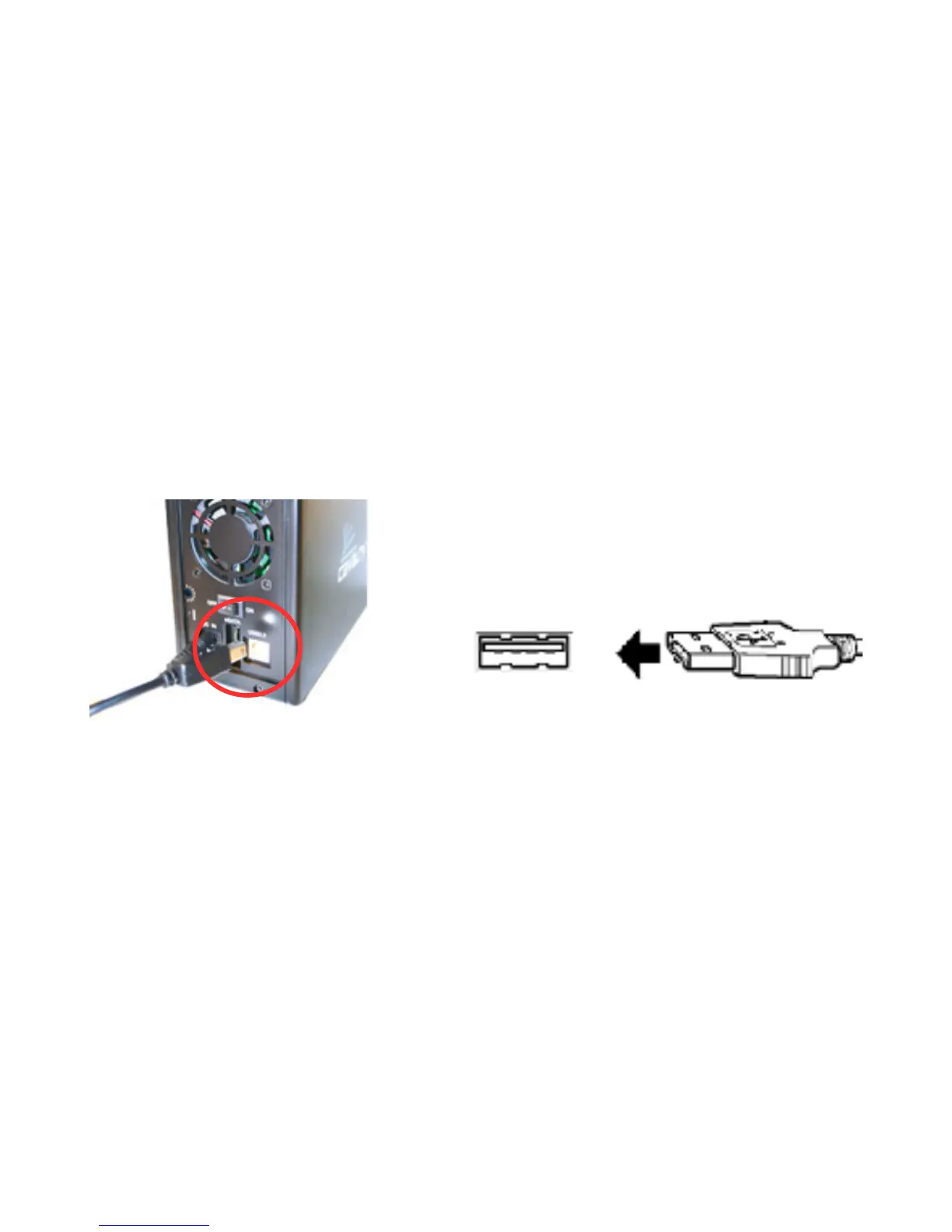
NOTE: Connect the USB cable to the drive before connecting the cable to
the computer. To disconnect, remove the cable from the computer first.
1110
USB Cable Plug
USB Port
Fig. 2
Fig. 3



 To Next Page