Setup Instructions
Follow the steps below to successfully set up your Cavalry External Hard
Drive with your computer.
Step 1. Start your computer and wait for Windows to load completely.
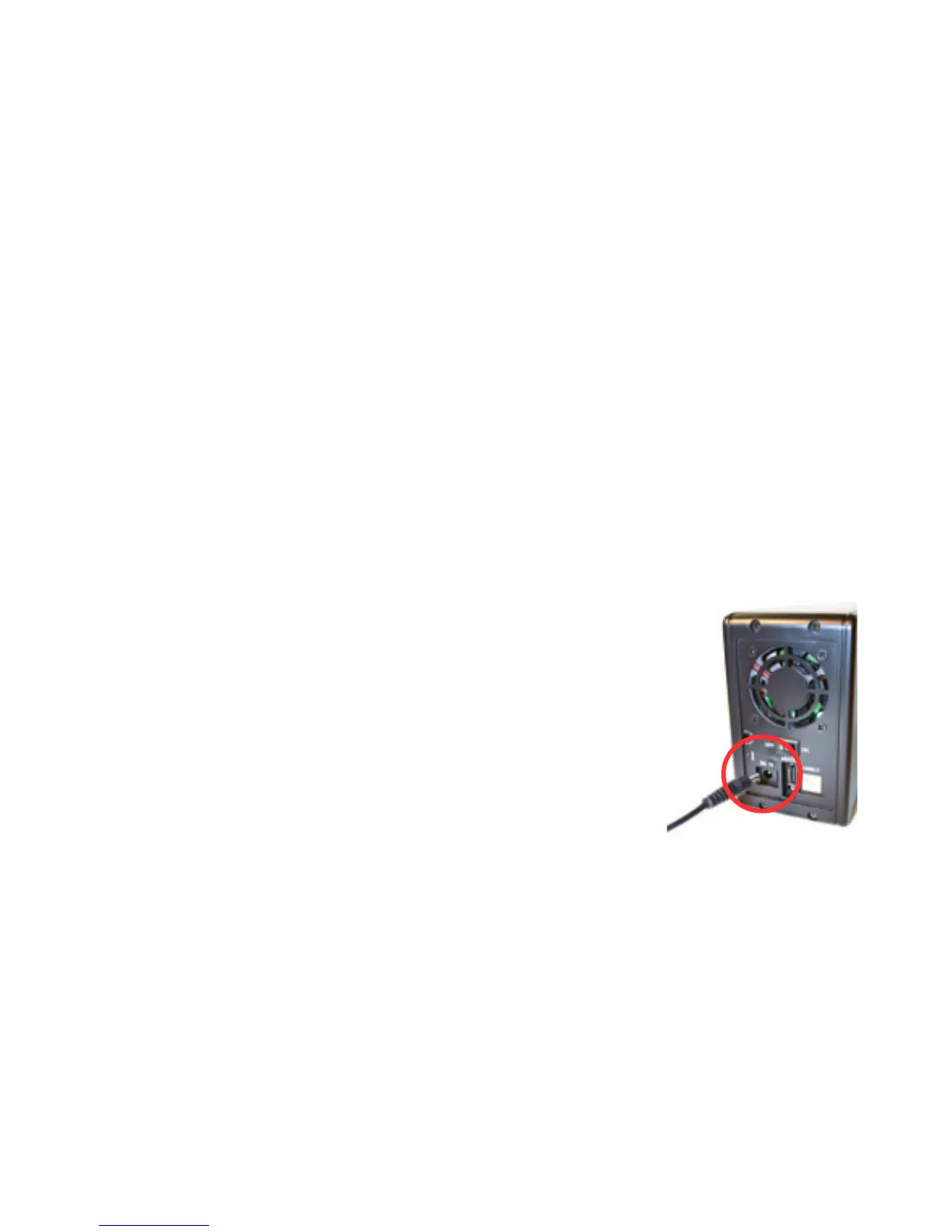
Step 2. Connect the power adapter to the drive. Then
plug the power adapter into an electrical outlet. (Fig. 1)
Step 3. Connect the square end of the USB cable to the
hard drive. (Fig. 2) Then connect the flat end of the USB
cable to the USB port on your computer. (Fig. 3)
99
Fig. 1



 To Next Page