1918
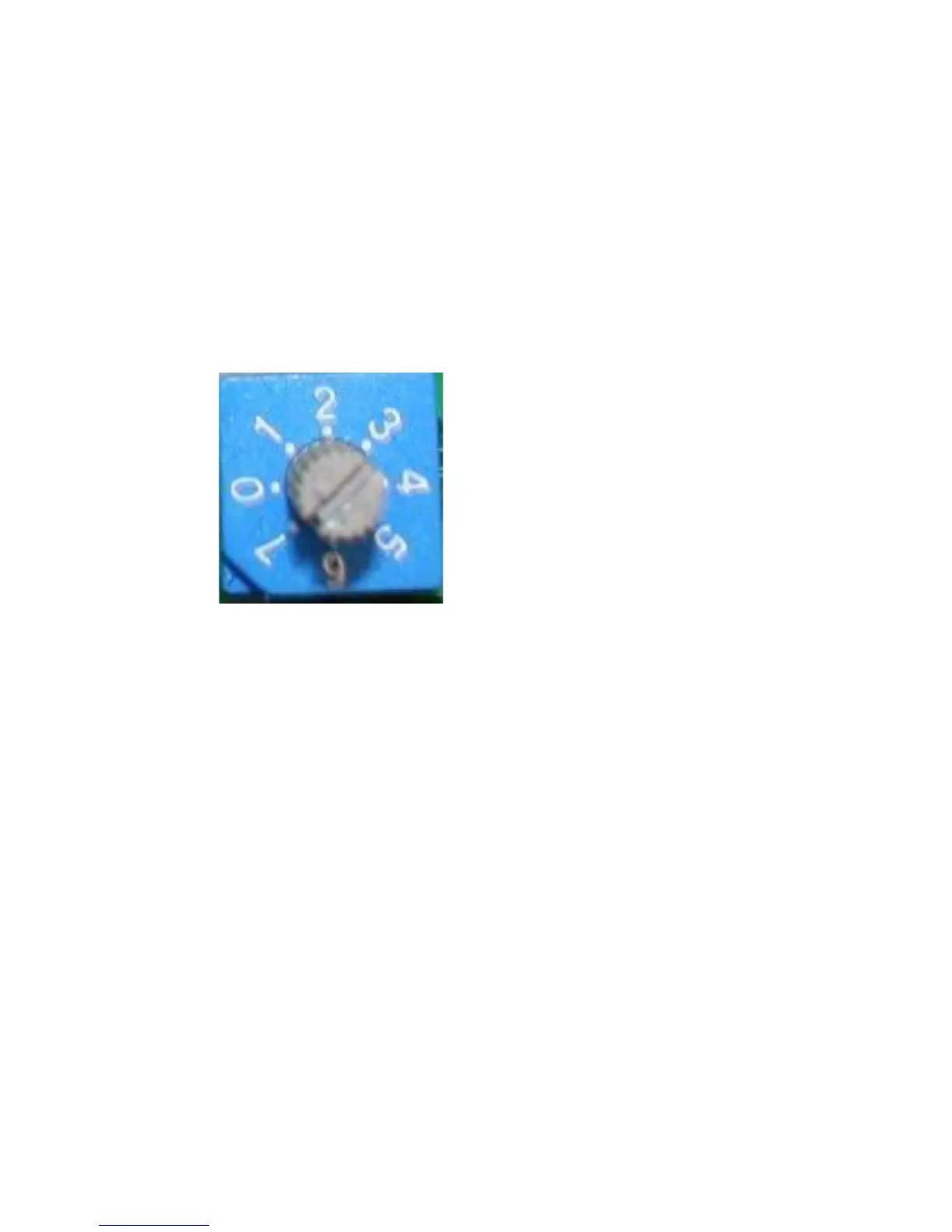
Figure 2.
Step 4. Using a small, flathead
screwdriver, turn the dial to the
appropriate number of the setting you
chose from Step 2. Once you have
done this, lay the unit upright and set
the unit where you would like it to be.
Step 5. Turn the unit on.
Step 6. Press the "Reset" or "Update" button located on the back of the
product (Figure 1.) This will cause the unit to automatically "rebuild" into the
new setting. The "HDD1" and "HDD2" indicator lights will flash while the unit
is rebuilding. This process could take up to 12 hours. Do not move or turn off
the unit while this process takes place. Your unit will be ready to use once
the indicator lights stop flashing.



 To Next Page