Need help?
Do you have a question about the CBE PC320-CA and is the answer not in the manual?
Lists main components like control panel, distribution box, separator, and batteries.
Covers battery care, charger, tank probes, cut-out box, and fuse replacement procedures.
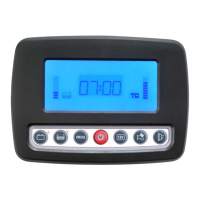
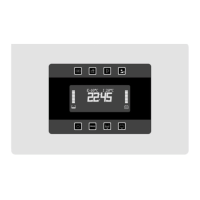
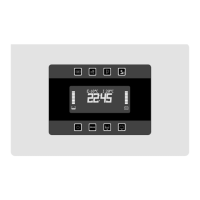
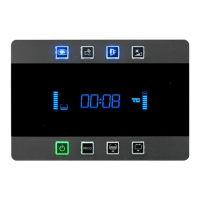
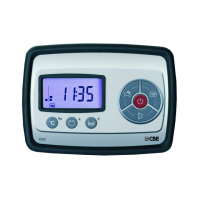
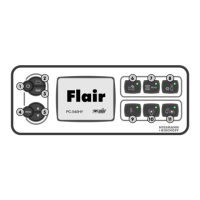
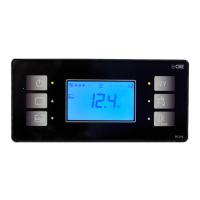
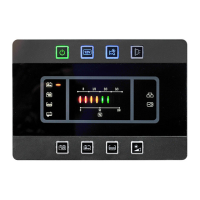
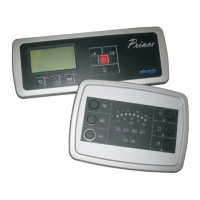
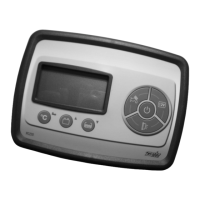
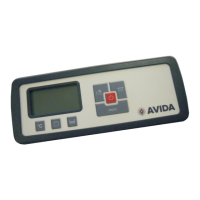
Details the control panel's visual display and main operational elements.
Explains the function of each physical button on the control panel.
Explains the meaning of various symbols and digital indicators on the control panel display.
Details car/leisure battery alarms, charging, minimum voltage control, and battery separator functions.
Explains the ammeter's function and how it measures current flow.
Details on drinking, waste, and sewage water tank status and related alarms.
Covers tank refilling, clock settings, awning light control, temperature display, and fuse alarms.
Instructions for setting the digital clock and alarm clock functions on the panel.
Configuration options for display backlight, audible alerts, and pump stop functionality.
How to adjust internal/external temperatures and calibrate the ammeter.
Configuration for battery voltage displays and transmitter visualization.
Detailed list and specifications of all protection fuses within the distribution box.
Visual representation of the electrical system connections and components.
 General
| Output Voltage | 12V DC |
|---|---|
| Display Type | TFT LCD |
| Operating Voltage | 12V DC |
| Storage Temperature | -20°C to +60°C |
| Battery Charger | Yes |

 To Next Page