OPERATING INSTRUCTIONS
tild VP v2.0EN
6. “Connection” indicator
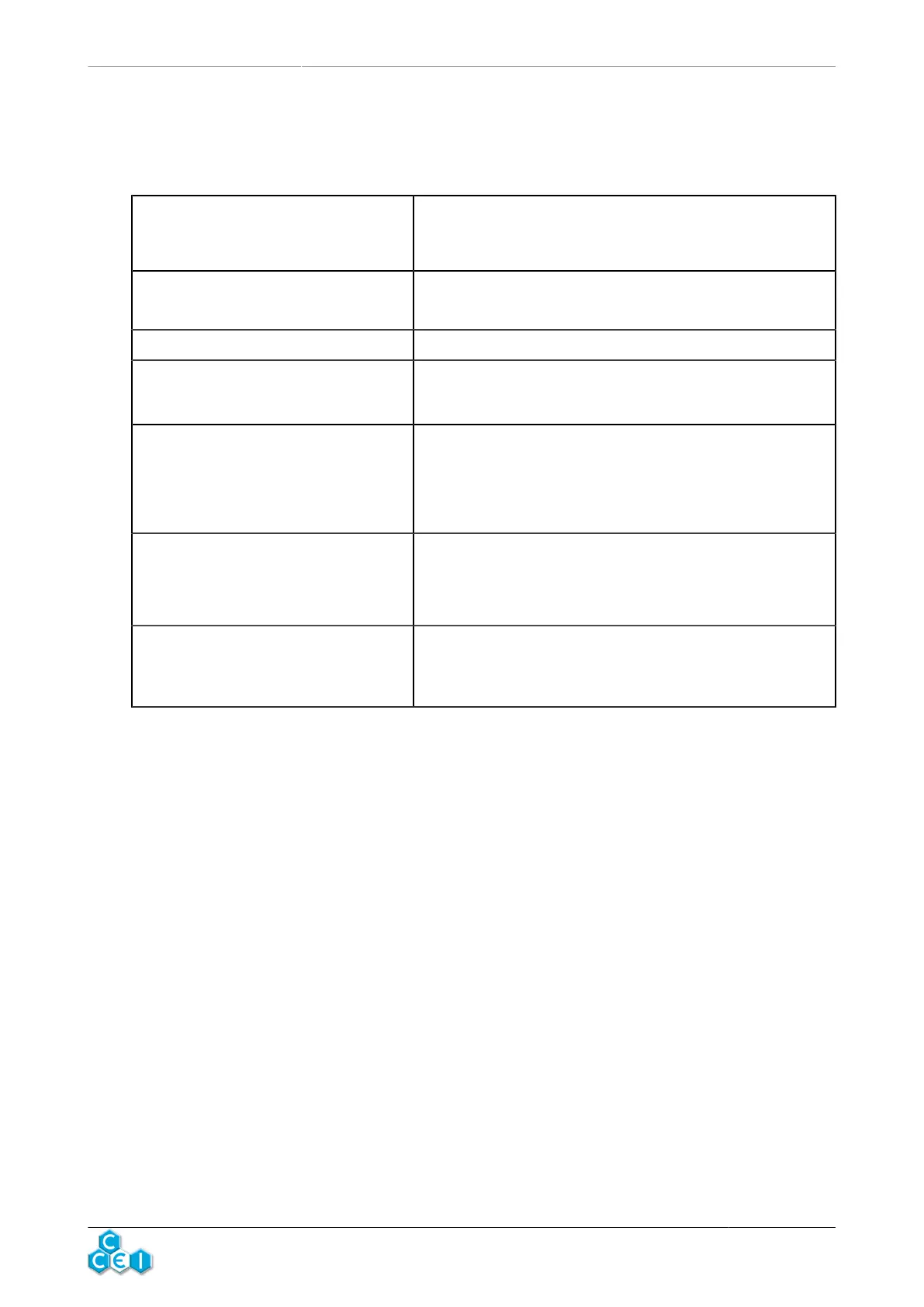
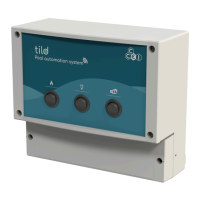
The (A) indicator on the front of the module lights in different colours depending on the controller status and may also flash.
Below is a table listing all the statuses:
Flashes slowly white
When the unit is delivered, or after a reset, it flashes white while waiting
for the Vigipool "central unit" to be selected.
See “Choice of the Vigipool "central” unit" section.
Flashes rapidly blue
Pairing request from a smartphone (first connection only).
See "Bluetooth® pairing” section.
Steady blue A smartphone is connected to the appliance using Bluetooth®.
Flashes slowly green
The tild VP is configured as a Vigipool "central unit" and accepts the con-
nection of new Vigipool compatible appliances (This status is normal dur-
ing the 5 minutes after powering up or after pressing the (B) button.
Steady green
The tild VP is properly connected: If it is configured as a Vigipool "central
unit", it is connected to WiFi. If not, it is connected to the Vigipool "central
unit".
tild VP does not accept the connection of new Vigipool compatible appli-
ances (Normal operating mode).
Flashes blue every two seconds
The tild VP is configured as a Vigipool "central unit", is not configured for
WiFi, and is waiting for a connection from a smartphone via Bluetooth®.
tild VP does not accept the connection of new Vigipool compatible appli-
ances (Normal operating mode).
Flashes rapidly red/green
tild VP is not connected. If it is configured as a Vigipool "central unit", it
is not connected to WiFi (incorrect password or network out of range). If
it is configured to connect to another Vigipool "central unit" appliance, it
cannot connect to that appliance.
Important: the blue LED is less visible in bright light.
7



 To Next Page