Page.45.
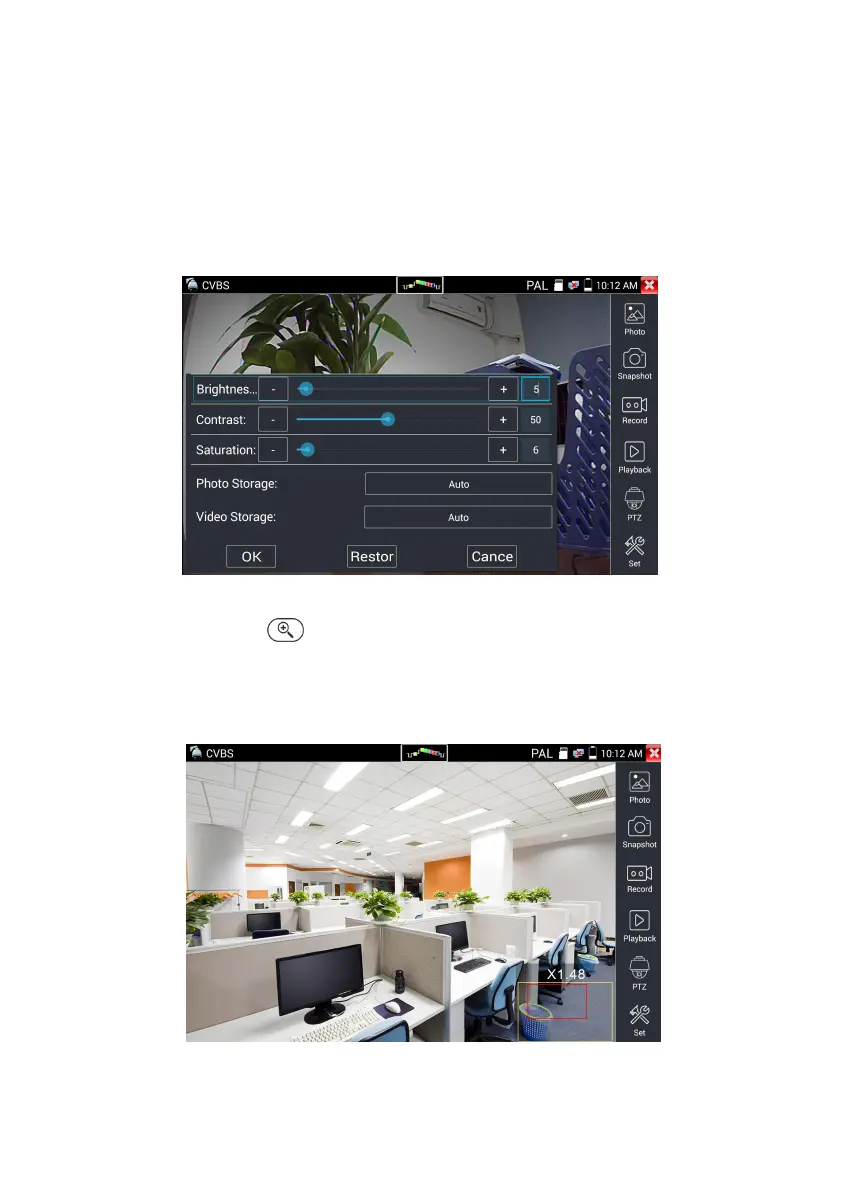
(2) Video and storage setting
Click icon “set”,to enter and set analog video image brightness , contrast, color saturation, as well as the
file storage way after snapshot and recording, support auto-storage and manual storage.
When select manual storage, user can name and store the files.
(3) 4 x zoom image display and Video out
When image input, press to enter “zoom”, press it again to quit.
Using the touch screen to control PTZ camera movement:
Tap left, right, upward or downward on the video image to move the PTZ camera in a desired direction.
Stretch two fingers outward or inward on the touch screen to zoom the image in or out.


 To Next Page