Page.44.
speed dome address.
E. Pan speed: Set the pan speed of PTZ camera (0~63)
F. Tilt speed: Set the tilt speed of PTZ camera (0~63)
G. Set preset position (Set PS)
Click and select “Set PS”, set and save preset position number(1~128),
H. Call the preset position (Go ps)
Click and select “Set PS”, set and save preset position number (1~128), click “sure” to save,
Call some special preset number, can call the dome camera menu
Check and set the protocols, address, interface and baud, all must be consistent with the dome camera,
then the IPC tester can test .After setting the parameter, the tester can control the PTZ and lens
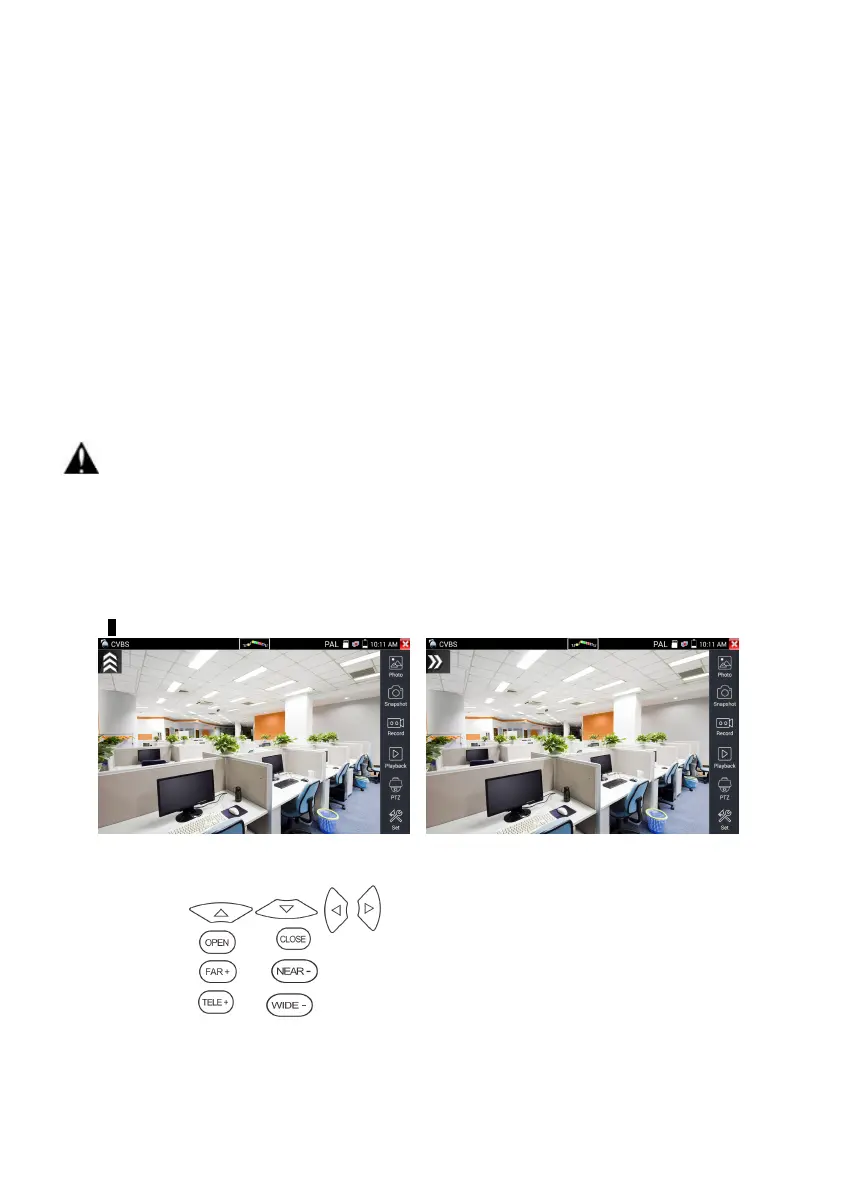
To control PTZ by screen touch:
Tap left, right, upward and downward on the touch screen to control the PTZ rotation direction. By two
fingers move outward and inward on the touch screen to zoom in and out the PTZ.
PTZ Control:
Press the key control the PTZ direction of rotation
Press the key or , to switch on or turn off the aperture.
Press the key or , adjust the focus manually
Press the key or , manually adjust the zoom


 To Next Page