11
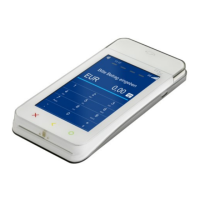
A920 of TeleCash From Fiserv
Void (Cancellation)
To cancel a transaction, the “Void” function can be selected in the VAS tab. After inputting the cashier’s
password, the “Transaction ID” must be entered. The “Transaction ID”, printed as “TA-No.” on the merchant or
customer receipt, is required. Upon entering the “Transaction ID”, a card prompt will appear. The terminal must be
presented with the card used for the original transaction. Finally, a cancellation receipt is printed for the merchant and
for the customer, if required.
Please note that a payment cancellation is only possible if the reconciliation (register cut) has not yet been performed.
Alternatively, a cancellation can also be executed through the transaction history. The History button can be used
to search the history for the relevant entry. Then tap the circled X . After entering the cashier’s password, the card
prompt will appear.


 To Next Page