9
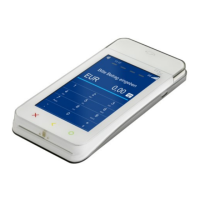
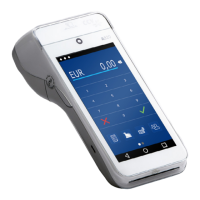
A920 of TeleCash From Fiserv
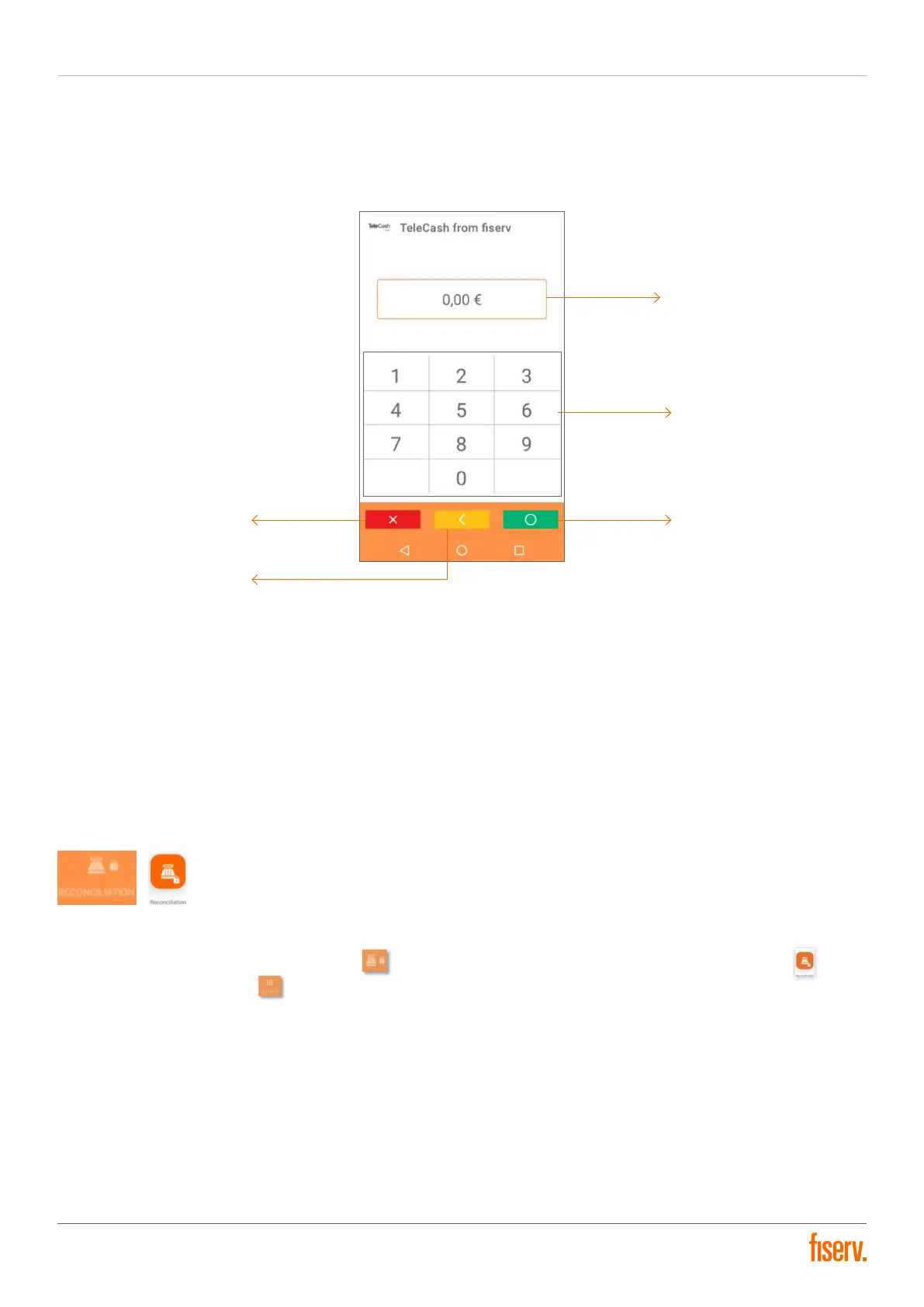
Amount entry screen/interface
Amount display: Displaying the amount entered
Digit input pad: Enter keys for entering amounts (without comma)
Cancel button: Cancels the transaction process
Delete button: Deletes the last digit
Okay button: Confirms the input, call up the next screen
Reconciliation
The Reconciliation triggers the money transfer and must therefore be carried out at the end of a day. A Reconciliation
is started through the Reconciliation button on the home page. Alternatively, the Reconciliation button in the
revenue tab by the soft keys can be used.
The Reconciliation is secured by the cashier password. After entering the password, the execution of the
reconciliation must be confirmed. All transactions are finalized and submitted with the transfer of the payment
transactions. When the process is finished, the terminal automatically prints a totals receipt and deletes the
transaction data from the terminal.
Amount display
Digit input pad
Okay button
Cancel button
Delete button


 To Next Page