6
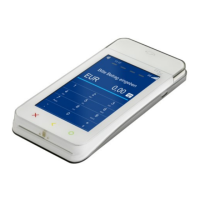
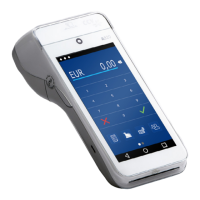
A920 of TeleCash From Fiserv
Inserting thermal paper
The thermal paper, printed on the back, is inserted at the top of the terminal. The paper tray is situated at the back
ofthe top and can be opened by pulling on the latch (1). The pre-printed paper side (maximum size: 58 mm width,
40mm diameter) should be loaded as shown in (3). The paper should slightly stick out when inserted.
Wi-Fi and LTE
To ensure the terminal operates correctly, it must establish a connection to the payment host, the download system
and the app store. This can be achieved either through the included SIM card or through Wi-Fi (WLAN).
As with all Android devices, the Wi-Fi connection is established through the settings. To do this, the drop-down bar
is opened by swiping downwards from the top of the display. By tapping on the Wi-Fi symbol, it can be activated
ordeactivated. By holding down the icon, the network can be selected and congured.
Wi-Fi (WLAN)
1. Opening the latch 2. Opening the printer door 3. Inserting the paper


 To Next Page