CD42 Pipeline Pig Location & Tracking System
Page 21
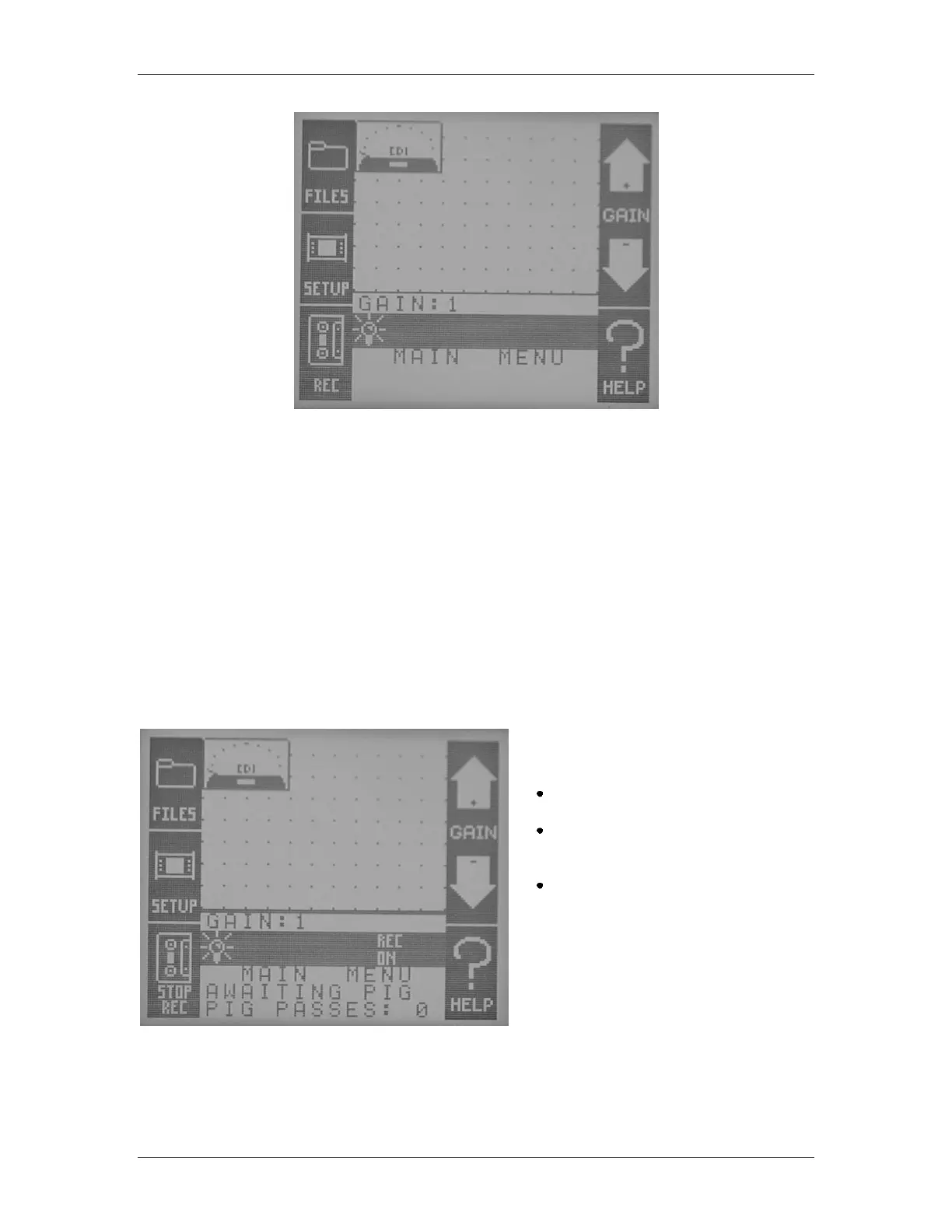
Figure 23 The REC Button On the Main Screen
As the CD42-R records pictures of pigs passing, they are stored as individual PICture files. For
example: if three pigs are launched equipped with CD42-T1 transmitter units, as the pigs pass the
unattended location of the CD42-R, attached to a CD42-GP antenna, three PICture files will be
created in the unit‟s memory. Each PICture file will be stored with the time and date of passage.
The operator may then retrieve the CD42-R and antenna at his convenience and review the files as
described later in the section titled “View a Recording File” on page 24.
When the CD42-R detects a pig passage, it will emit a series of beeps to indicate to the operator that
a pig recording session is underway. The display will change to read “Auto Recording” (
Figure 24) and the number of pig passes will also update to reflect the current pass. When the
CD42-R ends the recording, it will emit another slightly slower series of beeps. If the CD42-R is in
sleep mode when the pig passage occurs, it will turn on the display and back light so that the
operator can be aware of the pig passage.
Main features of Automatic recording
mode:
Auto-starts PICture recording when pig
passages are detected.
Once started, will not continue to record
indefinitely, but will stop after the pig has
passed.
Pig passages are recorded as individual
PICture files, complete with time, date
and count.
Figure 24 Automatic Recording



 To Next Page