CD42 Pipeline Pig Location & Tracking System
Page 33
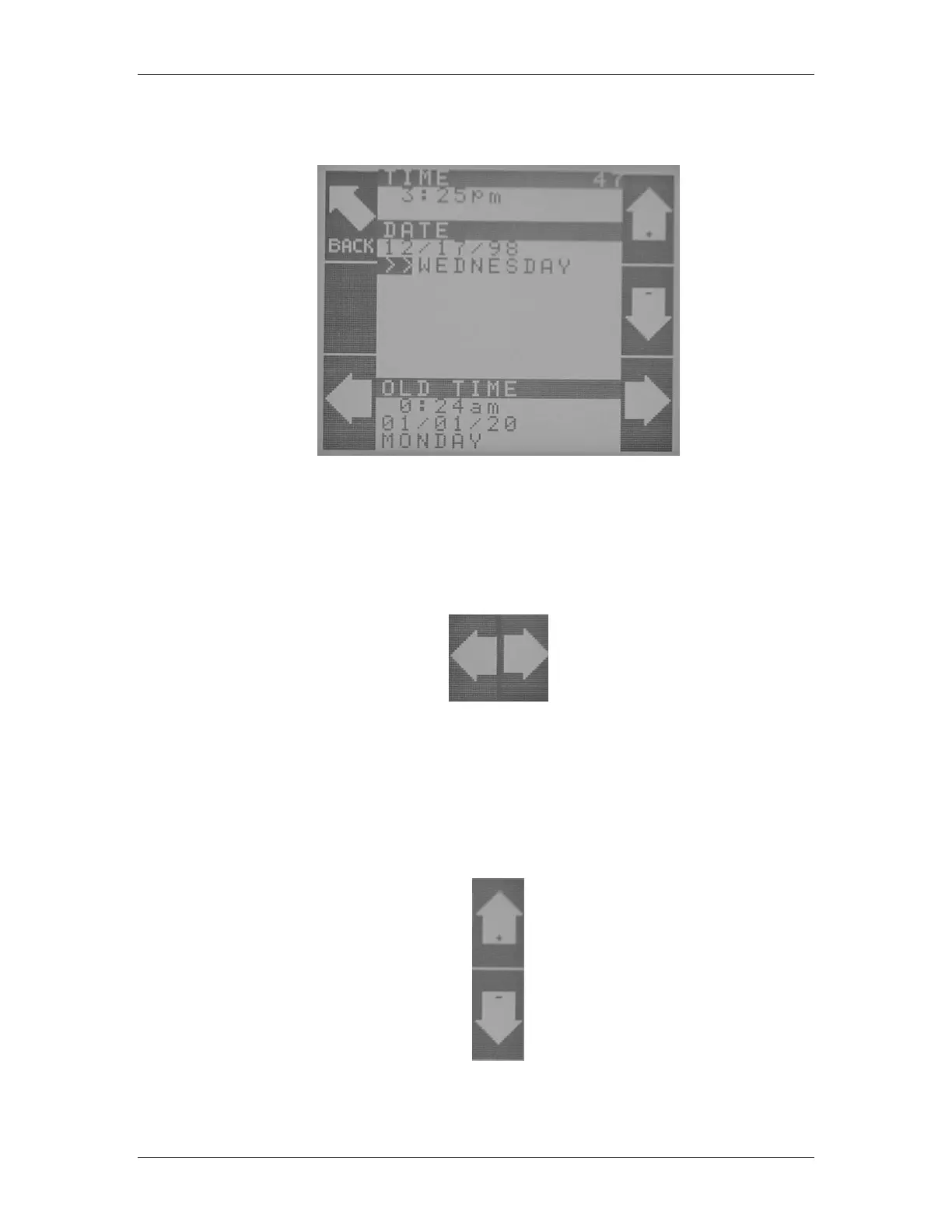
Pressing the Set Clock button gives the operator the screen shown in Figure 46 below.
Figure 46 Clock Adjustment
Using this screen, the operator sets the clock. The Back button accomplishes its normal task of
moving back one screen. The arrow keys control the movement of the cursor through the various
time and date fields (see Figure 47).
Figure 47 Left and Right Icons
The left and right arrows control the movement of the cursor (always initially located on top of the
hours digits) from one set of digits to the other. The operator should use these arrow buttons to
position the cursor on top of the value to be changed.
Once the cursor is positioned on the correct field, the up and down arrow buttons (Figure 48) change
the value of the field.
Figure 48 Up and Down Icons



 To Next Page