CD42 Pipeline Pig Location & Tracking System
Page 39
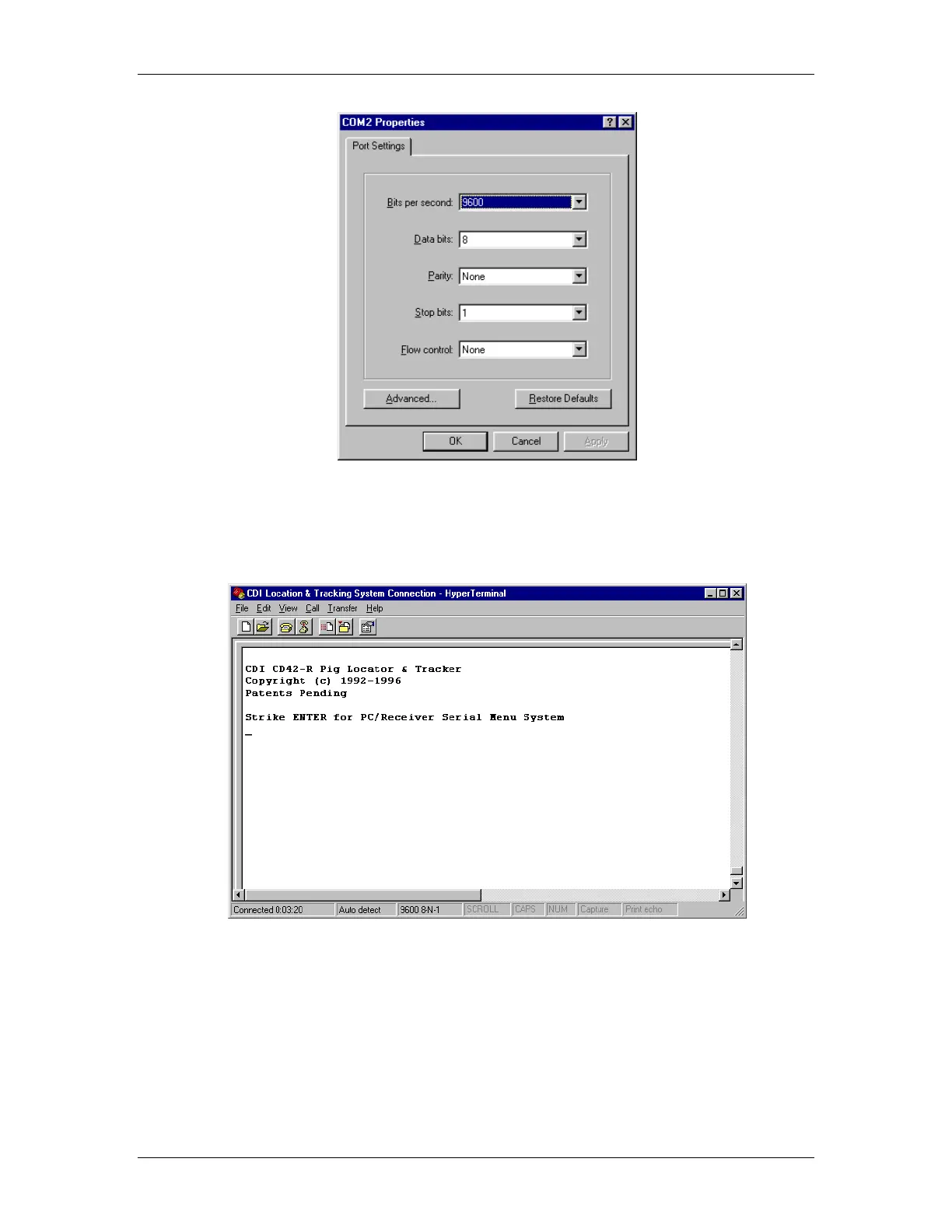
Figure 58 Proper Settings for Using HyperTerminal to Communicate the CD42-R
When the proper serial communications parameters are set in HyperTerminal, and the CD42-R unit is
connected to the computer, turning on the CD42-R system should yield output similar to Figure 59,
depending upon which version of the system you have:
Figure 59 Boot Output Text From the CD42-R
As usual, you should press any one of the buttons of the CD42-R receiver to bypass the opening screen
and begin using the system. While the CD42-R receiver is in normal operation, it continuously scans
for the user to press the ENTER key on his keyboard. At this point, press the ENTER key one time,
and you should see Figure 60.



 To Next Page