29
cdvigroup.com
EN
ATRIUM A22
2-Door Controller
INSTALLATION MANUAL
EN
ATRIUM A22
2-Door Controller
INSTALLATION MANUAL
6] PROGRAMMING
The stand-alone card enrollment allows you to add or delete user cards without the need of a PC.
CARD ENROLLMENT PROCEDURE
(ADD OR DELETE CARDS WITHOUT A COMPUTER).
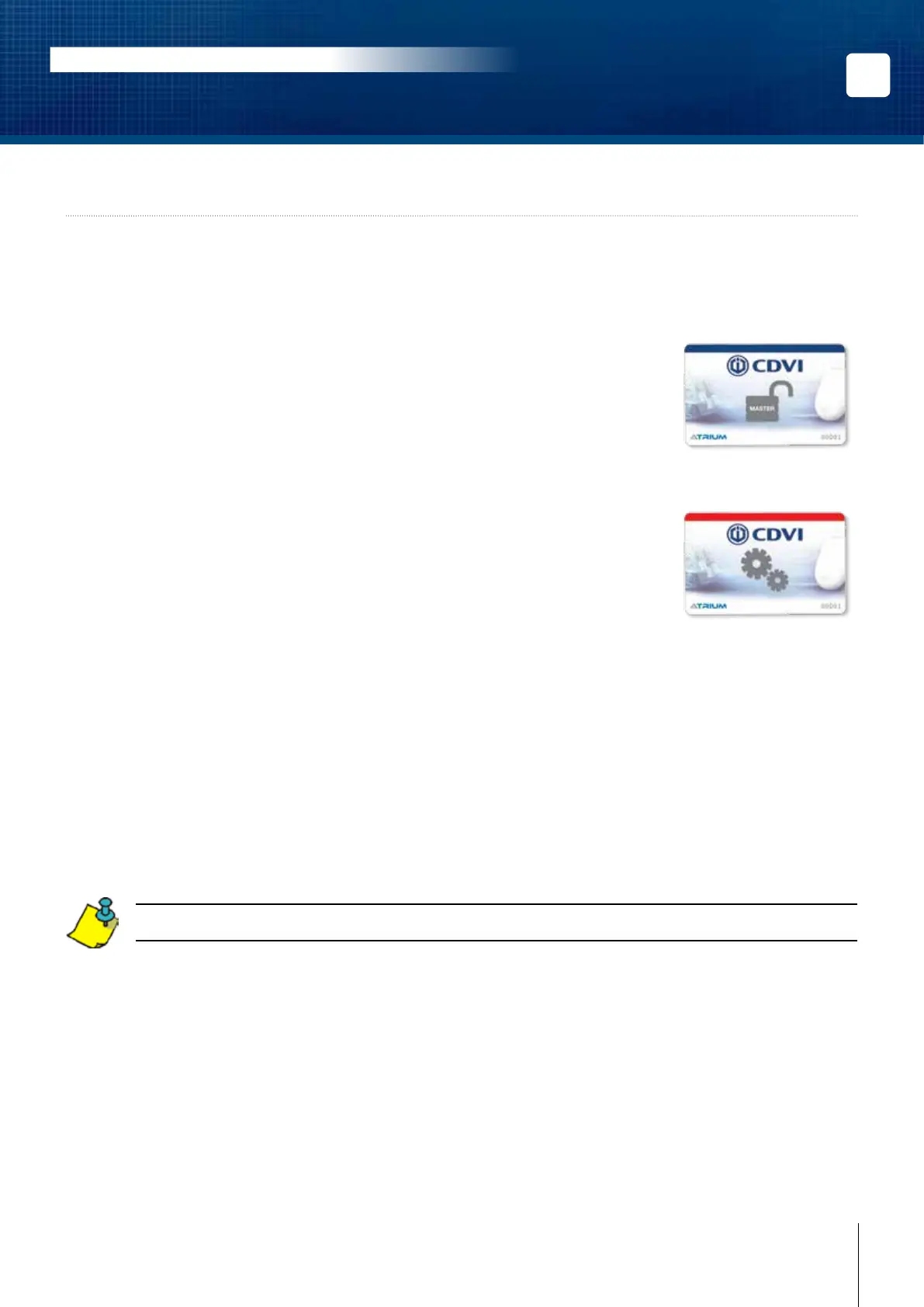
1. Present the MASTER card to a reader.
The door will unlock, keep it open.
(The door must be equipped with a door contact)
2. Within 5 seconds, present the PROGRAMMING card to the reader.
Reader LEDs will begin ashing in sequence
(2 Red ashes + 2 Green).
Enrollment mode is active.
3. Present cards, one by one, to the reader.
NEW cards will be ADDED.
Green LED will ash and a quick beep will be emitted.
Each new card will create a user and attribute the card to the user
EXISTING cards will be DELETED.
Red LED will ash and a long beep will be emitted.
4. Present the PROGRAMMING card again to stop enrollment mode.
The ashing sequence (2 Red ashes + 2 Green) will stop.
The card enrollment learning mode ends when no new card is presented for 5 minutes.
For other card enrollment methods, refer to the “ATRIUM Software” user guide.
Master Card
Programming card



 To Next Page