EN EN
13
CDV-DDP-F, CDV-DDP-RH
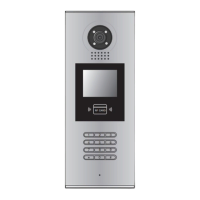
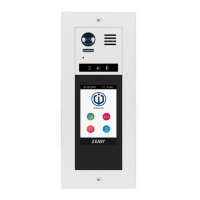
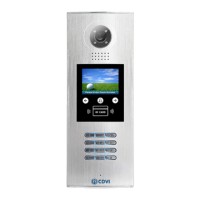
2EASY 2-wire Video Door Station with Built-in Reader
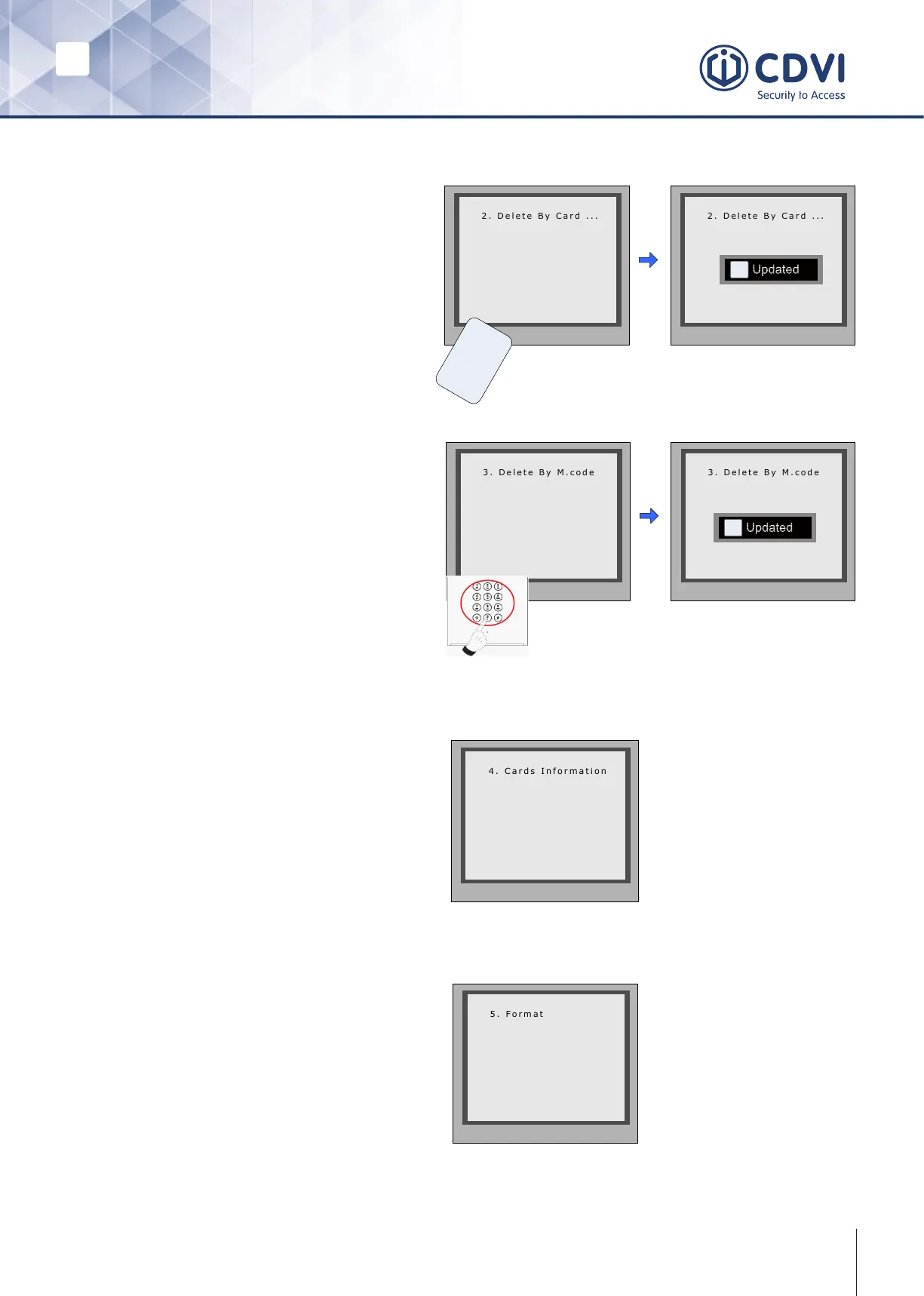
‘Delete By Card’
In Debug State:
1. Press [1 #]
2. Enter [3] Card Manage
3. Enter [2] Delete By Card to enter
‘Delete by Card’ page.
4. Present the cards you want to delete
one by one.
* Back # Save
Show The Card
* Back # Save
U
s
e
r
C
a
r
d
C a r d numbs:
1 5 9 7 7 1 3 1
Show The Card
i
Updated
‘Delete by M.code’
In Debug State:
1. Press [1 #]
2. Enter [3] Card Manage
3. Enter [3] Delete By M.Code to enter
4. ‘Delete by M.Code’ page.
5. Enter the Room code and press # to
conrm.
6. All associated room cards will be
deleted.
* Back # Save
Please Input Room Code
[ - - - ]
* Back # Save
[ 0 0 1 ]
Please Input Room Code
i
Updated
Card Information
Format
Enter the Card Information page. The
screen will display the authorised User
Cards count and card read access
events count.
* Back # Save
Card Count: 320
1. Enter the Card Format page.
2. Enter the 8 digit installer password
(66666666) by default), then press
# key to save.
3. Format operation is activated.
All card information will be cleared.
* Back # Save
Please Input Password
[ - - - - - - - - ]


 To Next Page