5
3. To Change a user code enter the user number, 4 beeps are emitted to indicate that user
location is already programmed. Enter a new 4 or 5-digit code. A beep is emitted to confirm the
new user code.
4. To delete a user code enter the user number, 4 beeps are emitted. Enter 00000 in 5-digit
length code or 0000 in 4-digit length code. A beep is emitted to confirm the new user code.
NOTE: If the user code is already programmed or is identical to the master code, then 4
beeps are emitted.
Press # to exit from the programming mode. 2 beeps are emitted to confirm that the keypad is in
stand-by operating mode.
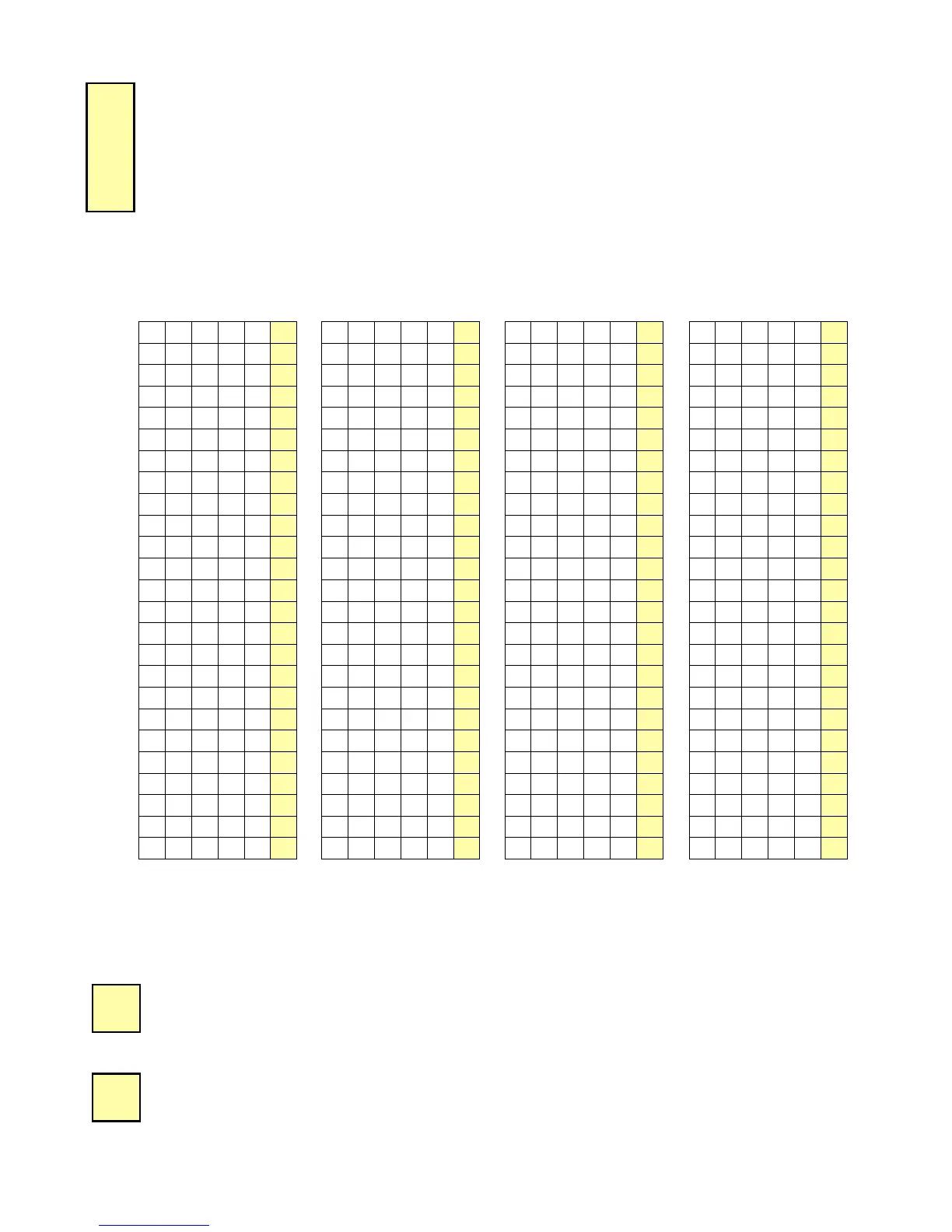
User code list (from user number 00 to 99)
00
E. TIME OUTPUTS
This section allows to program the illumination time and the Relay activation time
1. Enter the master code twice (12345 default value master code).
2 beeps are emitted to confirm entry in programming mode.
2. Enter *0 to program the key-in keypad time and the illumination time. 1 beep is emitted.
Enter the time in 10
th
of second – 10 for 10 seconds up to 99 for 99 seconds the backlighting
dims 10 seconds after the last keypress or switches off after entering a valid code. Enter 00
for permanent illumination keys. One beep is emitted to validate the time.
3. Enter *1 to program relay 1 output time (door release time). 1 beep is emitted. For a
timed output enter the time in seconds – 01 for 1 second up to 99 for 99 seconds. Enter 00
for a latched output. One beep is emitted to validate the time.
00


 To Next Page