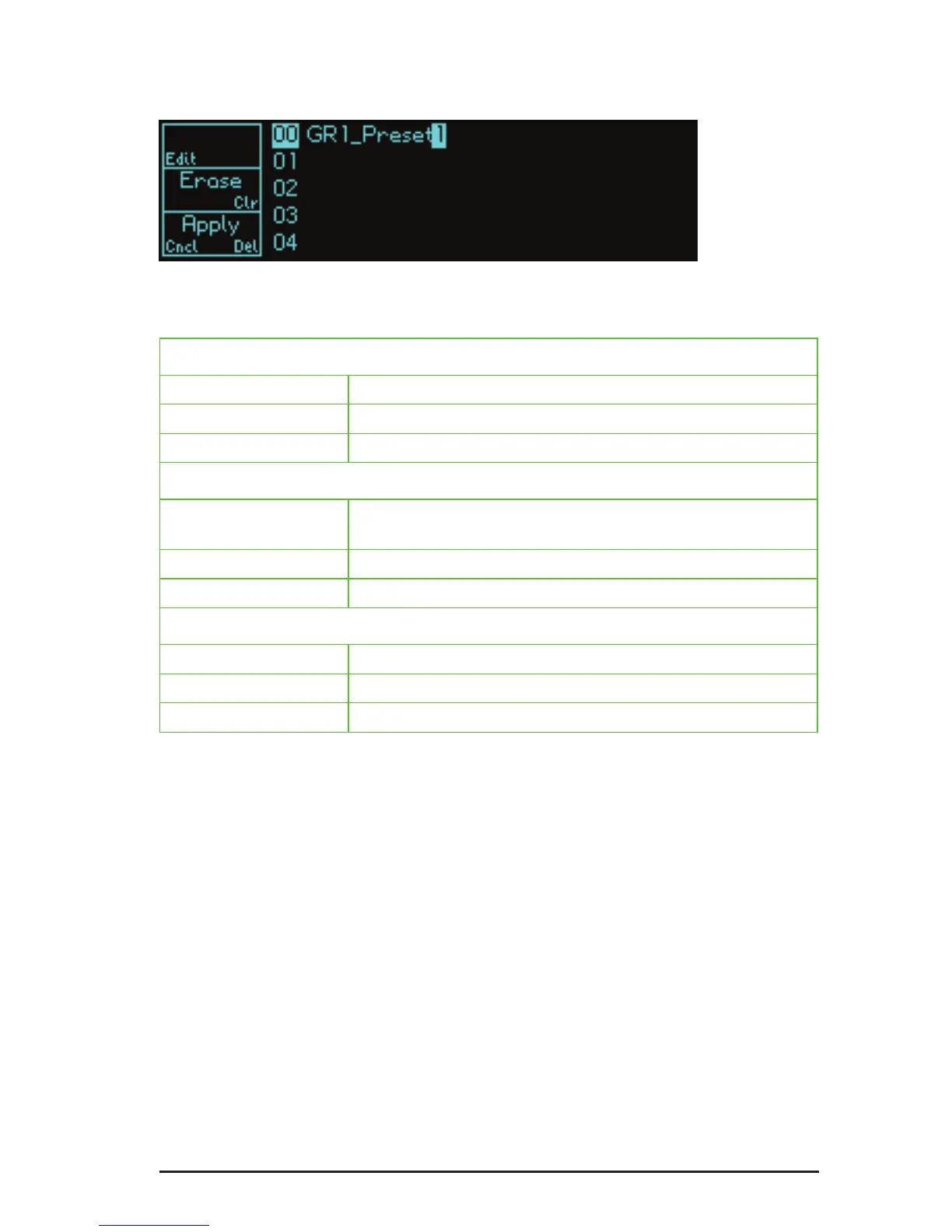
The Edit screen
When edit screen is selected, the channel 1 and 2 knobs allow you to edit the
name of the current preset in the usual fashion.
S1 (Edit)
Click: no action
Press/Hold/Release: no action
Double-click: no action
S2 (Erase / Clr)
Click: erase the character under the cursor or to the left of the
cursor if it is positioned at the end of the name
Press/hold/release: no action
Double-click: clear the entire name
S3 (Apply / Cncl / Del)
Click: apply changes
Press/hold/release: cancel changes
Double-click: delete the preset
Note: Itisnotpossibletostoreapresetwithnoname.Ifthenameeldisempty,
the Apply option will change to Delete and will delete the preset.


 To Next Page