SETUP
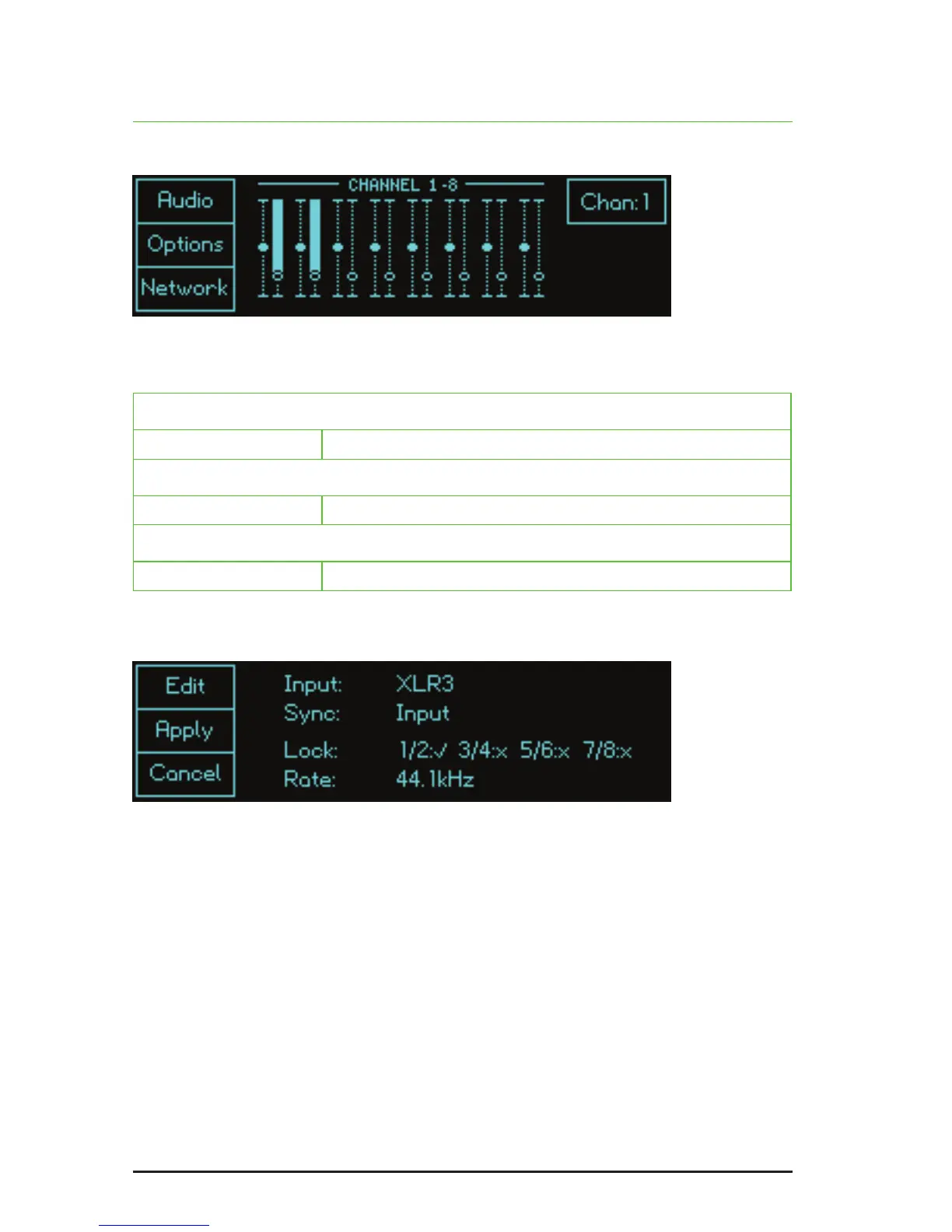
Press S3 Setup in the default or detail screens to access the three setup options.
Click on S1, S2 or S3 to enter the Audio, Options and Network screens
respectively. Having done so, all three pages offer the same edit options:
S1 (Edit)
Click: edit the elds (see below)
S2 (Apply)
Click: apply the changes
S3 (Cancel)
Click: cancel the changes
The Audio screen
Lock
The lock eld reports which channels are locked to a valid source. In the example
above, channels 1 and 2 are receiving valid data; channels 3 to 8 are not.
Rate
The sample rate is derived from the lowest numbered channel that is receiving a
valid signal unless AES11 wordclock is being accepted at the BNC input, in which
case the sample rate will be derived from that.
Note: Thedigitalaudiosignalsfeedingtheunitmustbeatthesamesamplerate
and synchronous or loud noise may result from the consequent data errors.


 To Next Page