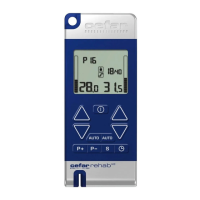
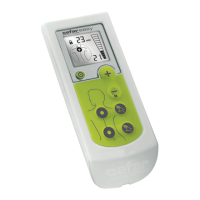
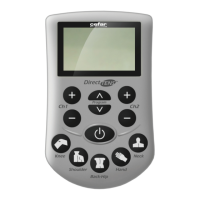
3. Increase the time by pressing the INCREASE button
. The time is increased by 1 minute each time
you press the button. Decrease the time by pressing the DECREASE button
. The time is decreased
by 1 minute each time you press the button. The time is flashing on the display, while setting the timer.
4. Press the left/right PROGRAMMING/CONFIRMATION button
to confirm the timer setting.
PROGRAM PAUSE
You can pause the programs up to 5 minutes.
To pause a program:
1. If key lock is on, press any of the DECREASE buttons
to deactivate it.
2. Press any of the PROGRAM buttons
to pause the program for both channels.
Start stimulation again by pressing any of the PROGRAM buttons
.
If the channels are paused for more than five minutes, the stimulator turns off automatically to spare bat-
teries.
Supplied by EME Services Ltd


 To Next Page