31
5. OPERATION
STEP-BY-STEP USE
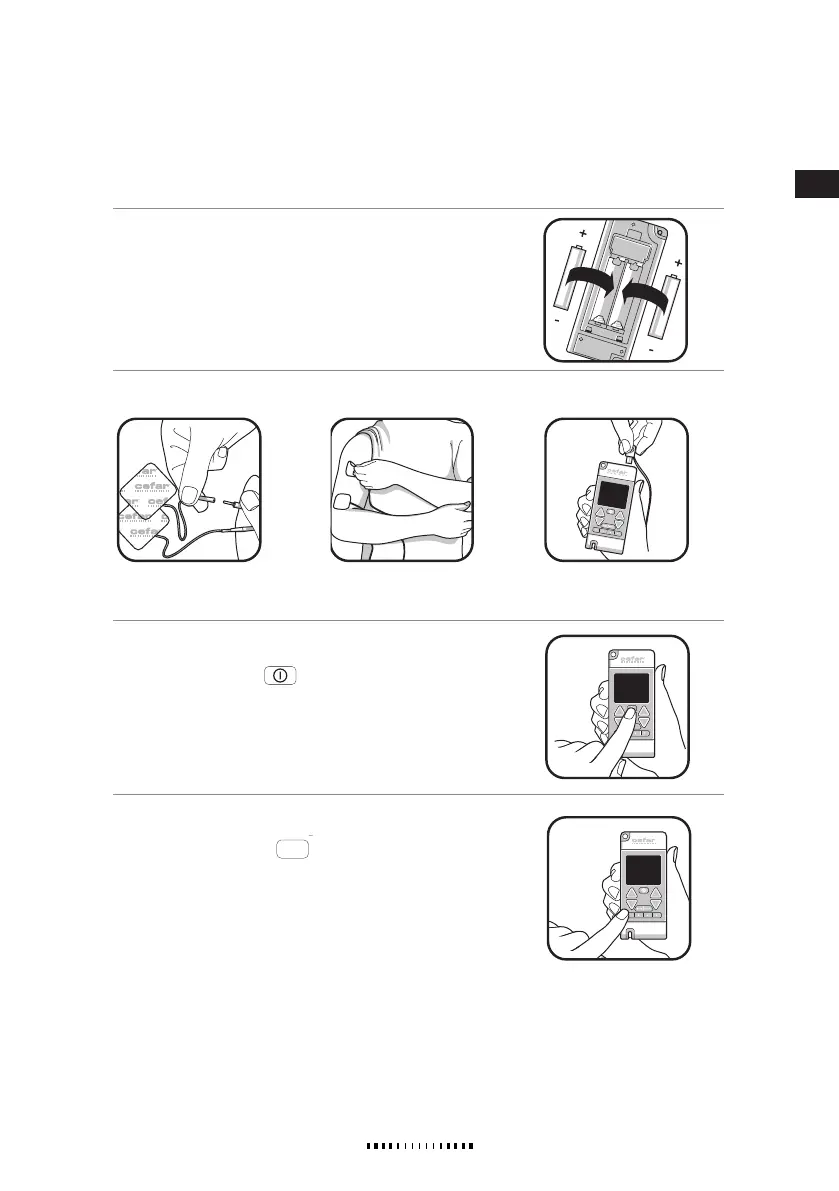
1. INSERT THE BATTERIES
Insert the batteries (see chapter REPLACEMENT OF BATTERIES).
2. ATTACH THE ELECTRODES
3. SWITCH THE STIMULATOR ON
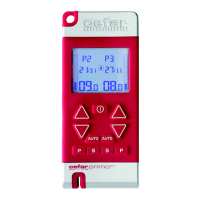
Press the ON/OFF button
. This button can be used for terminat-
ing the stimulation at all times, even when the key lock is activated.
Always switch the stimulation off before removing electrodes from the
skin.
4. SELECT A PROGRAM (1-10)
Press the PROGRAM button
for the left or right channel repeat-
edly until the program of your choice is shown on the display. If you want
to use both channels, then select a program for the other channel. Any
combination of programs is possible except for Program 7, which must
be selected for both channels.
Note!
When selecting programs the amplitude must be set to 00.0 mA
for both channels.
For further information on the programs, see section PRESET PROGRAMS.
A. Connect the electrodes to
the cable.
B. Attach the electrodes to
your body.
C. Connect the cable to the
CEFAR PRIMO PRO.
Supplied by EME Services Ltd


 To Next Page