5. START THE STIMULATION
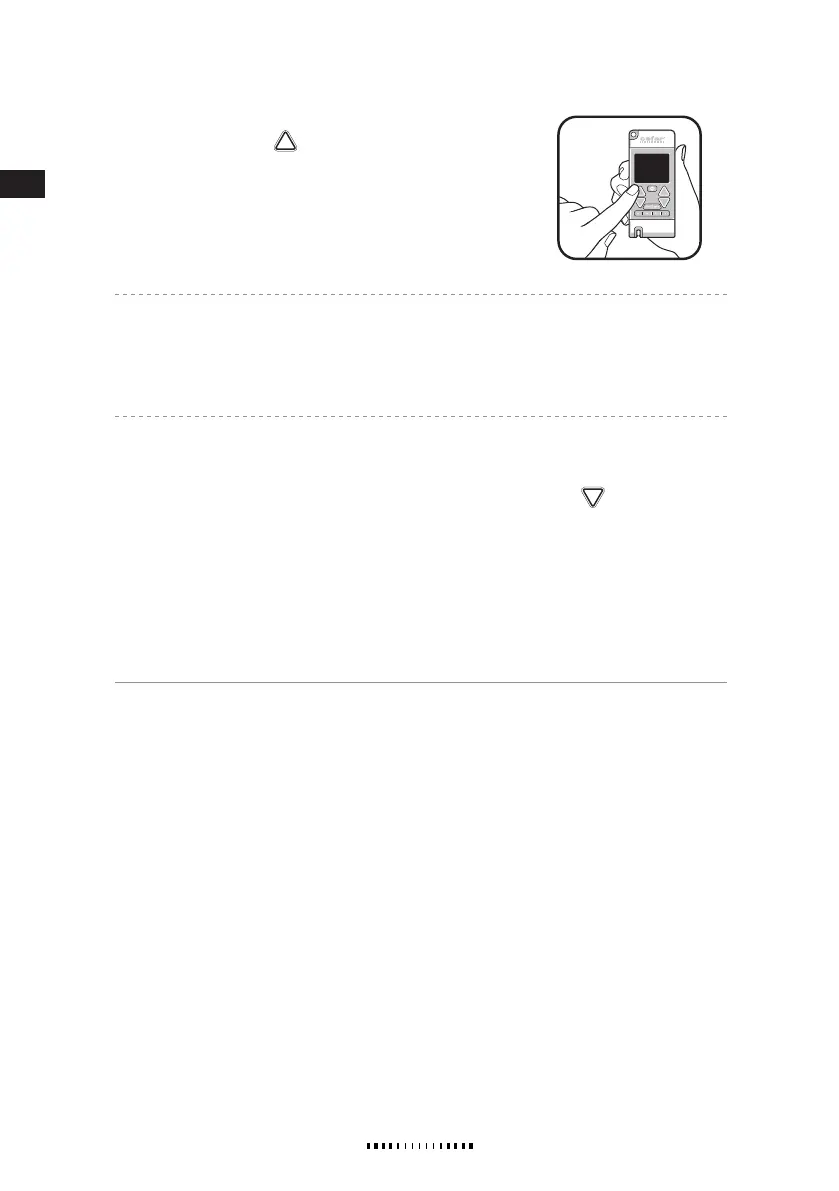
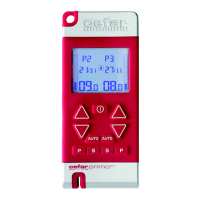
Press the INCREASE button
for each channel until you reach
a comfortable level of stimulation. Press and hold the button to
increase the amplitude continuously.
Note!
Always increase the amplitude cautiously!
Note! Program 5 (mixed frequency): Set the amplitude for conventional stimulation (80 Hz) when the
upper part of the high/low frequency symbol is flashing. When the stimulator after 3 seconds switches over
to burst stimulation (2 Hz) and the bottom part of the symbol is flashing, set the amplitude for this fre-
quency. The frequencies switch every three seconds.
The treatment time is preset, but can be changed by using the timer function, see section TIMER.
An automatically activated key lock prevents unintentional changes during treatment. The key lock is acti-
vated if no button is pressed for 10 seconds. Press any of the DECREASE buttons
to deactivate the
key lock.
When the program is finished, Remaining time “00:00” is flashing on the display.
The last used programs are saved when the stimulator is turned off and then pre-selected the next time the
stimulator is turned on.
The stimulator turns off after 5 minutes of inactivity to spare batteries.
Supplied by EME Services Ltd


 To Next Page