Copyright © 2016 by Nextivity, Inc, U.S. Patents pending. All rights reserved. The Nextivity and Cel-Fi
logos are registered trademarks of Nextivity Inc. All other trademarks or registered trademarks listed
belong to their respective owners. Designed by Nextivity Inc in California.
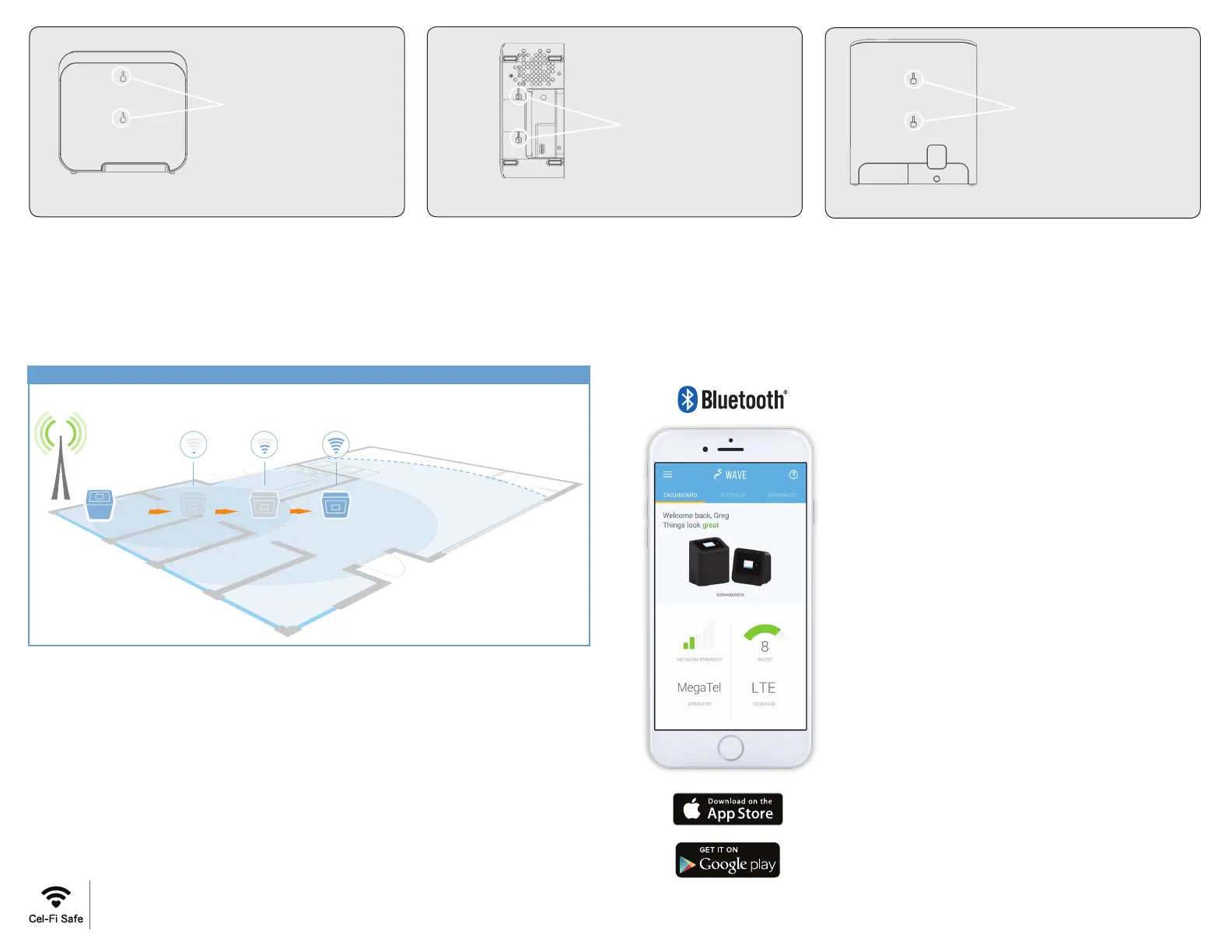
Figure 2. Coverage Unit, bottom view of mounting holes.
Bottom Mounting Holes
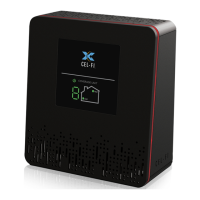
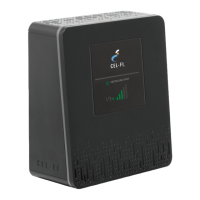
Coverage Unit
Figure 1. Coverage Unit, back view with mounting holes.
Back Mounting Holes
Coverage Unit
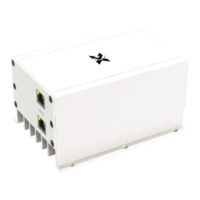
Network Unit
Figure 3. Network Unit, back view of mounting holes.
Back Mounting Holes
Dashboard:
Glance-able view to the state of your Cel-Fi
environment.
Settings:
Change the default Operator, setup an external
antenna, name your booster, and more.
Advanced Mode:
Get a real-time technical overview of the
installation of your Cel-Fi Booster.
Booster Updates:
Keep your Cel-Fi Booster up-to-date as new
software versions become available.
Register: (When Required)
Easily register your Cel-Fi Booster.
For more information, and software, go to:
www.cel-fi.com/wave
Cel-Fi WAVE is an application available on both smartphones and desktop
computers that allows users to interact with Cel-Fi, to access advanced and
supplementary features.
Get More from Cel-Fi WAVE
CU 50 feet or more from
the NU yields 100 feet or
more of coverage.
Increase the distance of the CU from the NU to increase the signal strength.
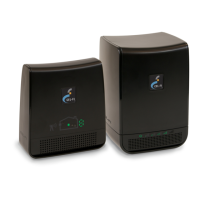
COVERAGE UNIT
(CU)
NETWORK UNIT
(NU)
SIGNAL STRENTH DIAGRAM


 To Next Page