The G-9 1/4 • 7
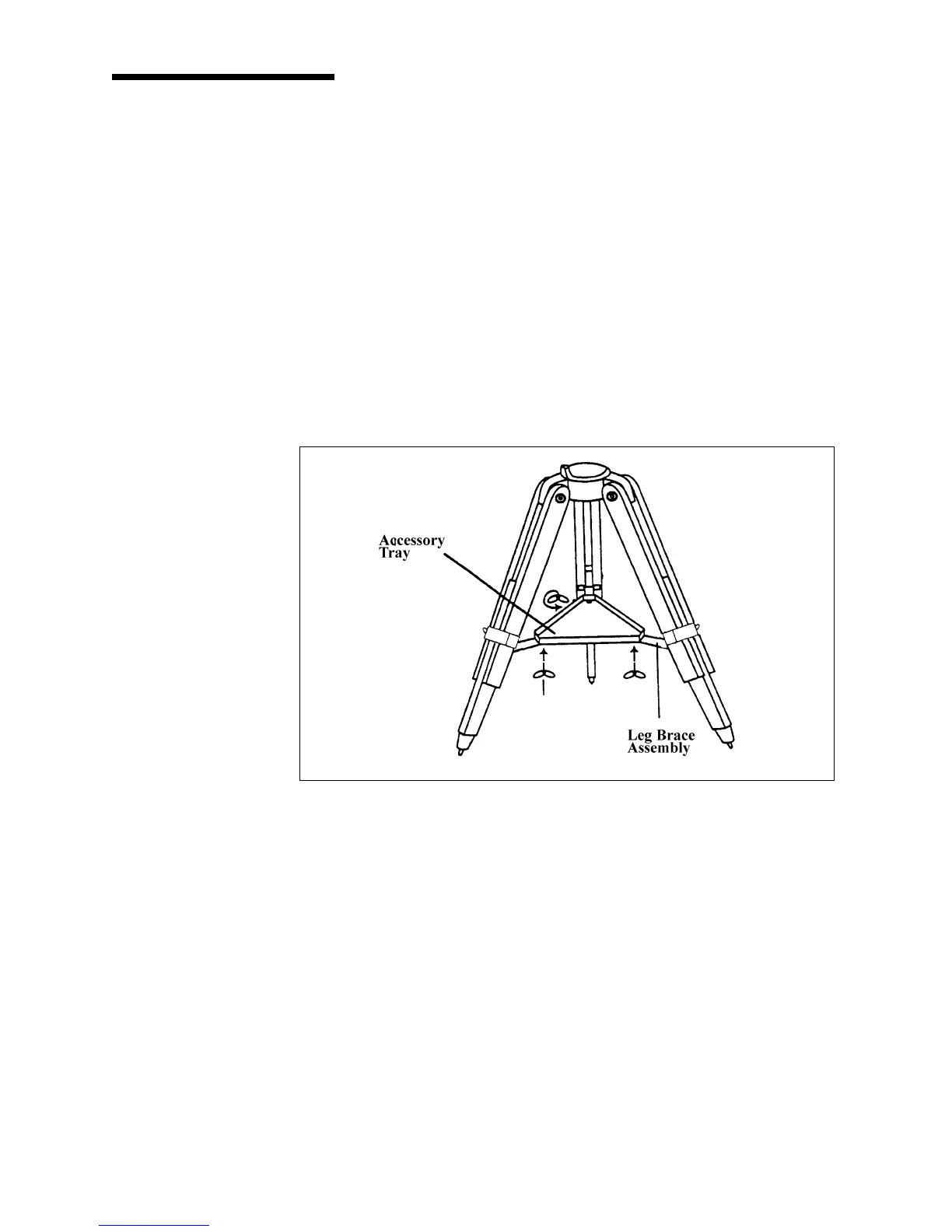
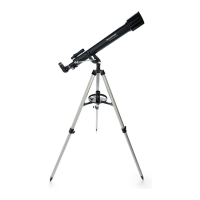
With the tripod set up, you are ready to attach the accessory tray to the tripod.
There are three wing bolts that hold the accessory tray to the bracket.
1. Locate the three wing bolts.
2. Place the accessory tray over the bracket and position it so the thread
holes in the accessory tray are above the slotted holes in the bracket.
3. Insert the wing bolts up through the slotted holes in the bracket (see figure
2-3).
4. Thread the wing bolts into the holes in the accessory tray.
5. Tighten the wing bolts fully.
Attaching the AccessoryAttaching the Accessory
Attaching the AccessoryAttaching the Accessory
Attaching the Accessory
TrayTray
TrayTray
Tray
Figure 2-3Figure 2-3
Figure 2-3Figure 2-3
Figure 2-3
WingWing
WingWing
Wing
BoltBolt
BoltBolt
Bolt


 To Next Page