12 • The G-9 1/4
With the mount fully assembled, you are ready to attach the telescope to the
mount.
•
Before you attach the optical tube, fully tighten the right ascension andBefore you attach the optical tube, fully tighten the right ascension and
Before you attach the optical tube, fully tighten the right ascension andBefore you attach the optical tube, fully tighten the right ascension and
Before you attach the optical tube, fully tighten the right ascension and
declination clamps. This will prevent the telescope from movingdeclination clamps. This will prevent the telescope from moving
declination clamps. This will prevent the telescope from movingdeclination clamps. This will prevent the telescope from moving
declination clamps. This will prevent the telescope from moving
suddenly once attached to the mount.suddenly once attached to the mount.
suddenly once attached to the mount.suddenly once attached to the mount.
suddenly once attached to the mount.
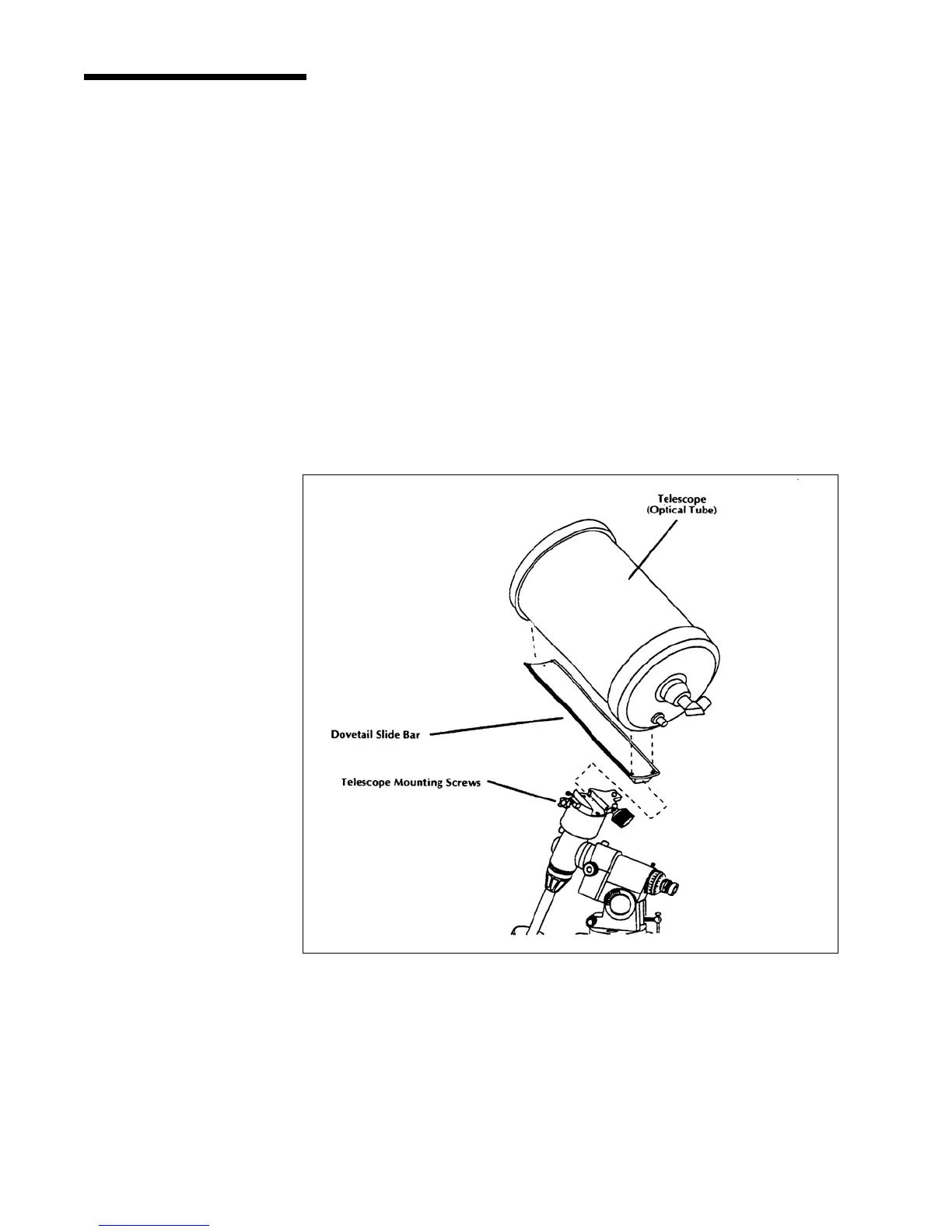
1. Loosen the hand knob on the side of the CG-5 mount.
2. Slide the dovetail bar that is attached to the telescope onto the CG-5
mount (see figure 2-8).
3. Tighten the knob on the CG-5 mount to hold the telescope in place.
NOTE:NOTE:
NOTE:NOTE:
NOTE: Never loosen any of the knobs on the telescope tube or mount. Also, be sure
that the corrector end of the telescope is pointing away from the ground at all
times.
Attaching the TelescopeAttaching the Telescope
Attaching the TelescopeAttaching the Telescope
Attaching the Telescope
to the Mountto the Mount
to the Mountto the Mount
to the Mount
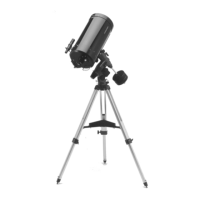
Figure 2-8
This illustration shows the correct mounting procedure for the optical tube onto the CG-5
mount. The dovetail slide bar has been attached to the telescope tube and is ready to
attach to the CG-5 mount.


 To Next Page