10 • The G-9 1/4
Attaching the Declination Slow Motion Knob
Like the R.A. slow motion knob, the DEC slow motion knob allows you to make
fine pointing adjustments in the direction the telescope is pointed.
The DEC slow motion knob attaches in the same manner as the R.A. knob.
The shaft that the DEC slow motion knob fits over is toward the top of the
mount, just below the telescope mounting platform. Once again, you have two
shafts to choose from. Use the shaft that is pointing toward the ground. This
makes it easy to reach while looking through the telescope, something which
is quite important when you are observing.
1. Line up the flat area on the inner portion of the DEC slow motion knob with
the flat area on the DEC shaft.
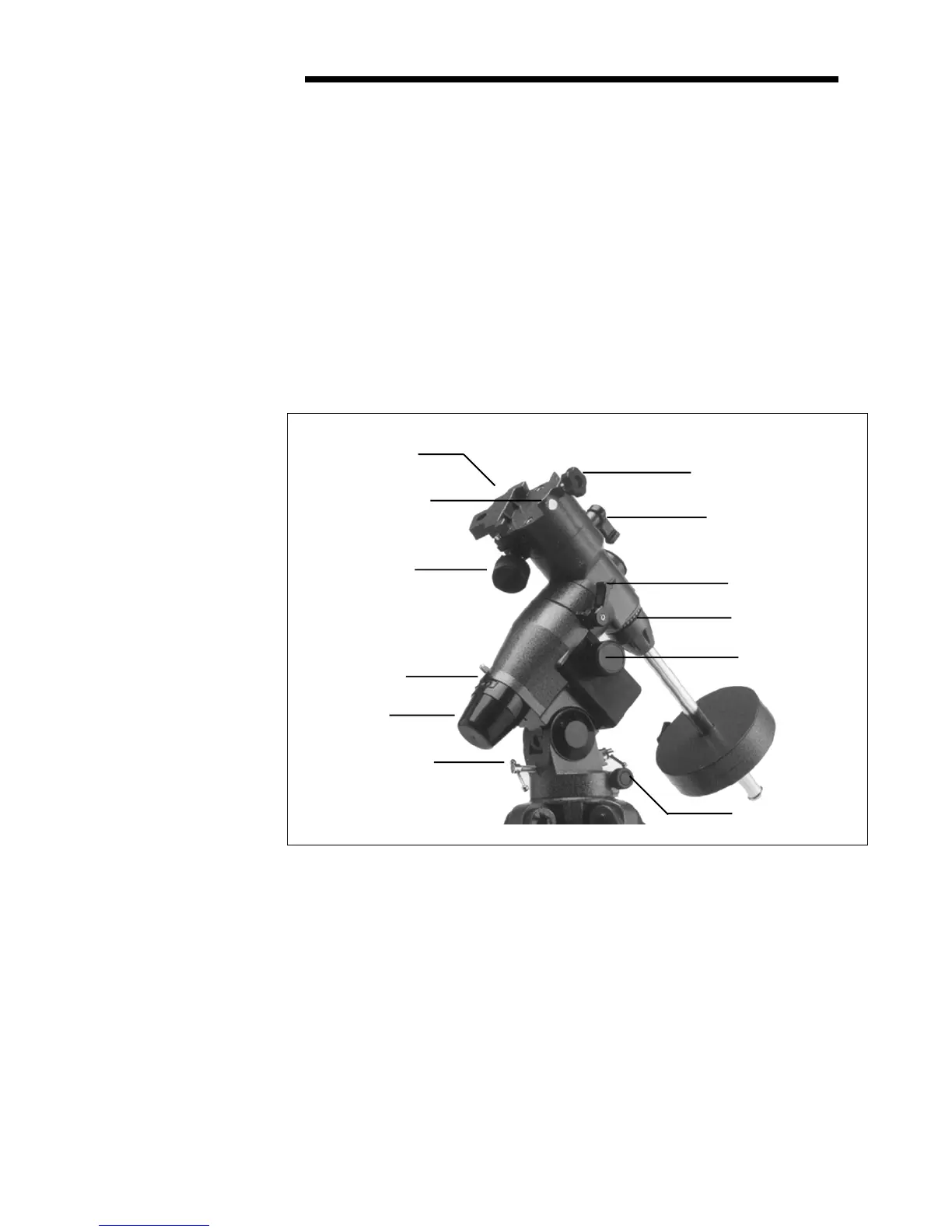
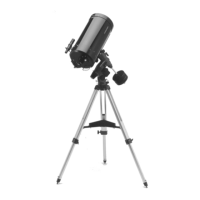
2. Slide the DEC slow motion knob over the DEC shaft (see figure 2-6).
Figure 2-6
Telescope
Mounting Screw
DEC Lock
Lever
RA Lock
Lever
Mounting Platform
DEC Slow Motion
Knob
Altitude Adjustment
Control
Polar Housing
Cover
Azimuth Adjustment
Controls
Declination Setting
Circle
R.A. Slow Motion
Knob
Mounting Platform
Safety Screw
R.A. Setting
Circle







 To Next Page