2 | ENGLISH
1. COMPUTER SOFTWARE- INSTALL
Although the MicroDirect
®
1080p HD microscope is designed to stream video directly to a monitor or projector,
you have the option to run the microscope on a Windows based computer with the included CD/DVD ROM disk. If
you do not have a CD/DVD ROM drive, the software can be downloaded from our website www.celestron.com.
Note: The software is compatible with Windows systems XP/7/8/10 only. The software is not compatible with MAC
operating systems.
1.
CD ROM Install
+
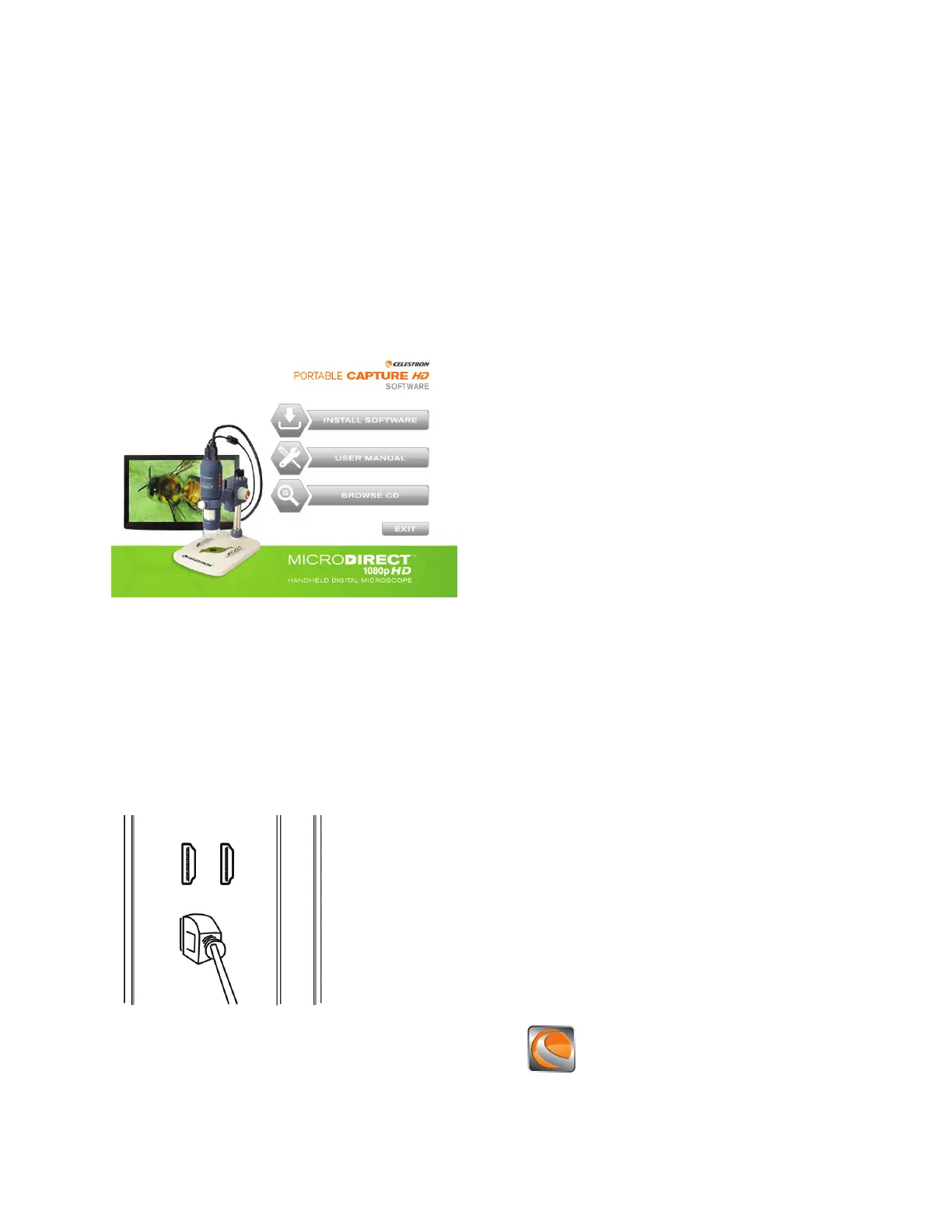
Insert the driver CD into CD-ROM Drive and this will automatically display the following interface:
+
SELECT the Install Software button
+
The installation wizard will guide you through the whole process.
2. COMPUTER SOFTWARE- OPENING
1.
Connect your MicroDirect
®
1080p HD microscope to your PC using the included USB cable.
2.
Open the Portable Capture HD software by clicking the desktop icon.














 To Next Page