ENGLISH | 9
7. CARE AND MAINTENANCE
Your Celestron MicroDirect
®
1080p HD microscope is a precision optical instrument and should be treated with care
at all times. Follow these suggestions and your microscope will need very little maintenance throughout its lifetime.
+
Store your microscope in a clean, dry place.
+
Never use your microscope where operation of such
devices is restricted. Improper use creates the risk of
serious accident.
+
Only use your microscope within the 23° to 120°F (-5°
to 50° C) temperature range. Try to limit sudden
temperature changes as this may create moisture in
the microscope housing.
+
Do not try to access the internal components of your
microscope or attempt to modify it in any way. Only
authorized technicians should perform maintenance
or repairs.
+
Keep your microscope away from water and other
liquids. Never use it in rain or snow. Moisture creates
the danger of fi re and electric shock.
+
If the exterior of your microscope needs cleaning, wipe
it with a moist cloth.
8. WARRANTY
Your Celestron MicroDirect
®
1080p HD microscope has a two year limited warranty. Please visit the Celestron website for
detailed information on all Celestron microscopes: www.celestron.com.
C. MEASUREMENT INTERFACE INSTRUCTIONS
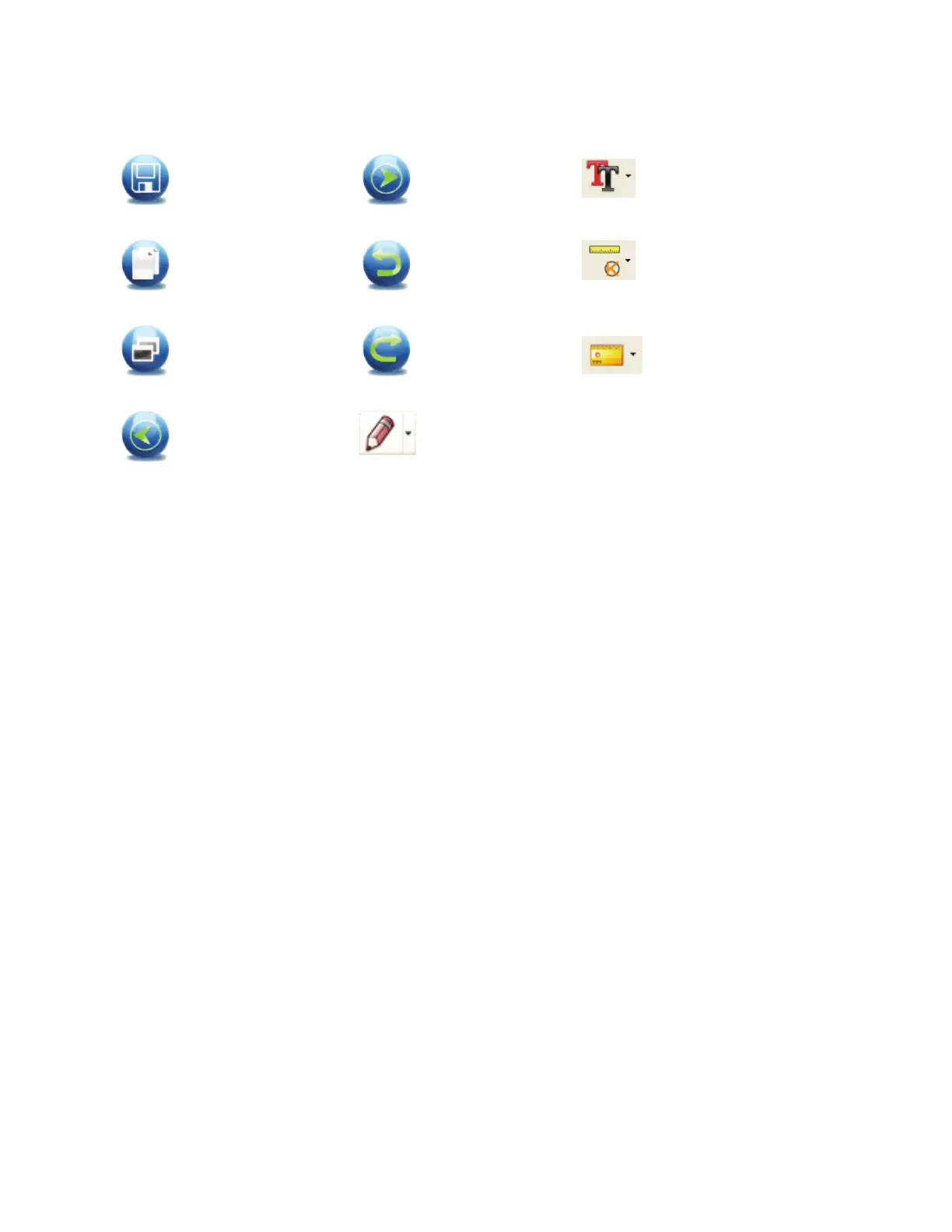
Save as
Copy to
clipboard
Copy fi le
Previous
Next
Undo
Redo
Draw
Text note
Measurement
Calibration














 To Next Page