ENGLISH | 3
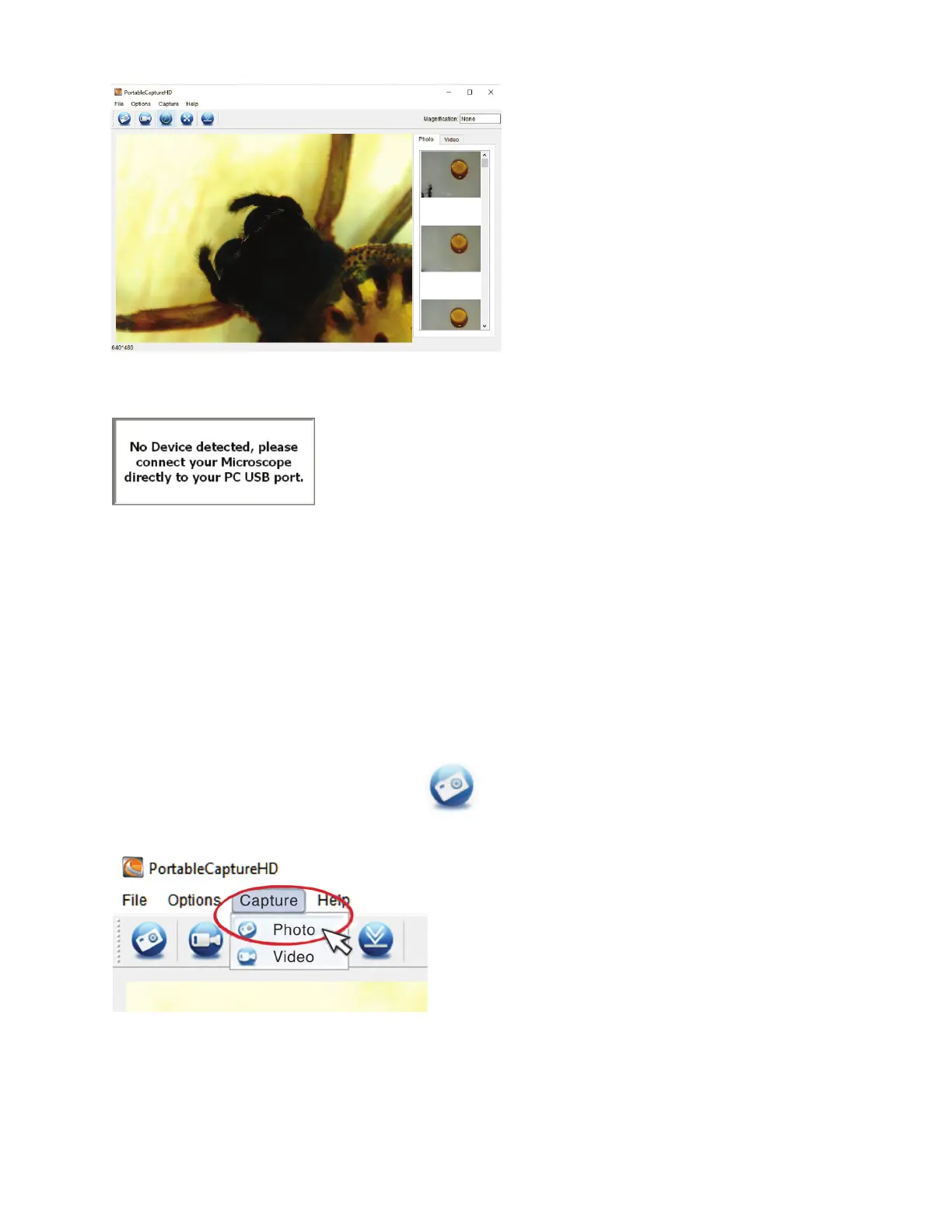
NOTE: If your MicroDirect
®
1080p HD microscope becomes disconnected from your PC the following message box will appear:
3. COMPUTER SOFTWARE- DETAILS
A. CAPTURE STILL IMAGE
There are 2 ways to capture a photograph with the Portable Capture HD software:
1. Select ‘Photo’ shortcut icon in the main menu bar.
2. Select ‘Capture/Photo’ from the drop down menu.














 To Next Page