C1924F Instruction Book
20
Channel Setting (TV, DTV or Radio Mode)
Edit Transponder Menu
Press OK button to edit the Transponder Motor: Control of multi-satellite polar (Require the
user device support DiSEqC 1.2 or DiSEqC 1.3
protocol), left and right buttons to select DiSEqC
1.2 / DiSEqC 1.3 / None.
DiSEqC 1.2: DiSEqC 1.2 Protocol selection
DiSEqC 1.3: DiSEqC 1.3 Protocol selection
For Motor definite “DiSEqC 1.2”, operating instruc-
tions:
Press RED button to enter “Set Limit” menu.
Press OK button to enter Set Position menu.
Band: Band selection, press LEFT/RIGHT button to
select.
Press RED button to delete a Satellite.
Press Yellow button to Add a New Satellite.
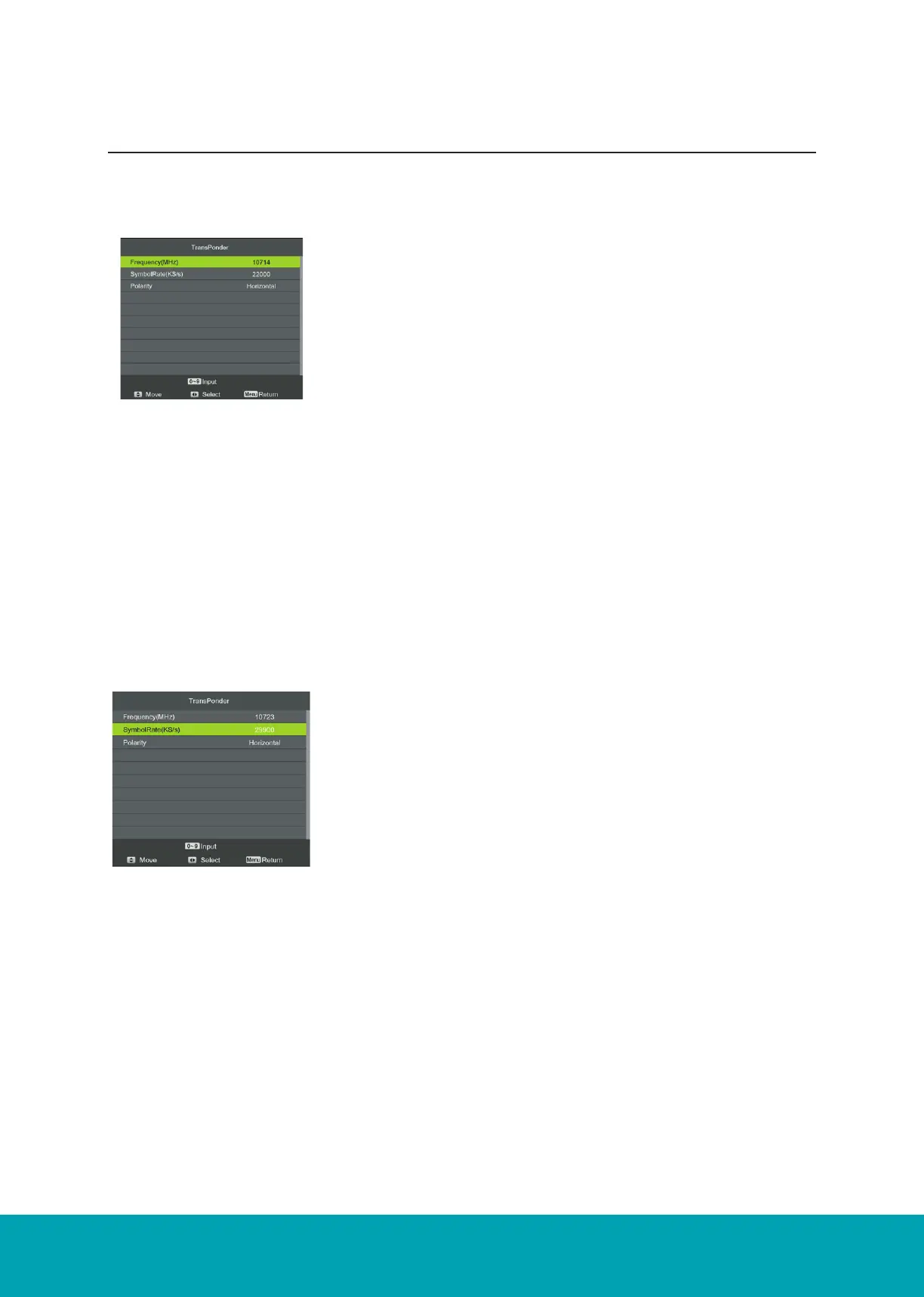
Frequency: Set the downlink frequency.
Symbol (ks/s): Set the Symbol Rate.
Polarity: Set the polarity (horizontal or vertical).
Delete Transponder
Press the RED button to delete the Transponder.
Add Transponder
Press the Yellow button to delete the Transponder.
Frequency: Set the downlink frequency.
Symbol (ks/s): Set the Symbol Rate.
Polarity: Set the polarity (horizontal or vertical).



 To Next Page