C1924F Instruction Book
22
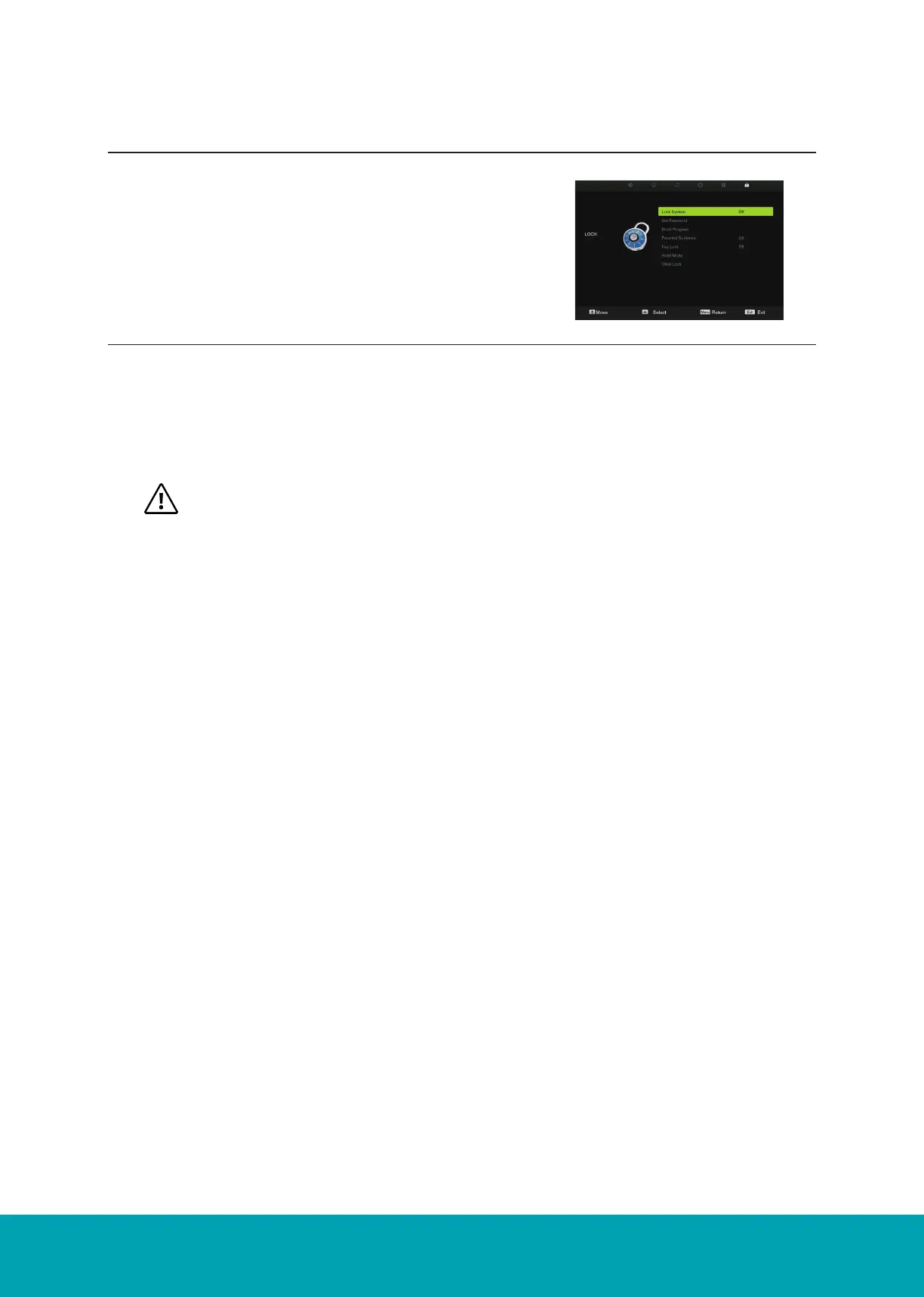
1. Press the ▲▼ buttons to Lock System then press the OK button to confirm.
2. Use the 0-9 buttons to input a 4-digit password to enter the LOCK menu and then press the OK but-
ton to turn the Lock System On.
3. Press the Menu button to return back to the main menu.
4. Press the Exit button to exit the menu.
• The default password is “0000”.
• If you change the password, be sure to remember the new password! If you forget the new
password, press the master password “8899”
Key Lock: Press the ▲▼ buttons to select the “Key Lock” option and then choose between the
options ON or OFF. After selecting ON, the front panel buttons TV/AV/Menu/CH+/CH-/VOL+/VOL-
of the device will be locked.
Hotel Mode: Enter the Hotel Setting menu.
Set Password: If you had already changed the password, enter the current password.
Block Program: This feature is available only for digital TV and the tuned-in channel must support it.
Parental Guidance: Off: turn off Parental Lock
4-18: turn on Parental Lock and set the age level that are permitted wo watch
the program.
21
Lock Setting
Lock
Lock System
Lock System
Set Password: If you had already changed the password, enter the current password.
Block Program: This freature is available only for digital TV and the tuned-in channel must support it.
Key Lock: Press the buttons to select the “Key Lock” option and then choose
between the options ON or OFF. After selecting ON, the front panel buttons
TV/AV/Menu/ CH+/CH-/VOL+/VOL- of the device will be locked.
1. Press the Menu button and then press the ▲▼ buttons to se-
lect the Lock menu.
2. Press the OK or ▼ buttons and then press the ▲▼ buttons to
select the feature options and then press OK button.
Lock Setting
Lock System



 To Next Page